
UnityEQ VAT Lab
Houdini VAT 3.0 import
Houdini support in EQ VAT Lab is import-only. Artists bake VAT in Houdini,
then EQVAT imports the exported mesh, textures, and .mat companion data and
wires EQVAT URP shaders. The workflow no longer requires SideFX/VAT_*
shadergraphs.
Quick start
Section titled “Quick start”- Open
Tools > EQLabs > EQ VAT Lab > Open Editor. - Go to the Import Wizard tab.
- Assign the Houdini export folder to Houdini Folder.
- Click Auto-Detect VAT 3.
- Check that Type, Base Mesh, textures, bounds, FPS, frame count, and playback values were filled.
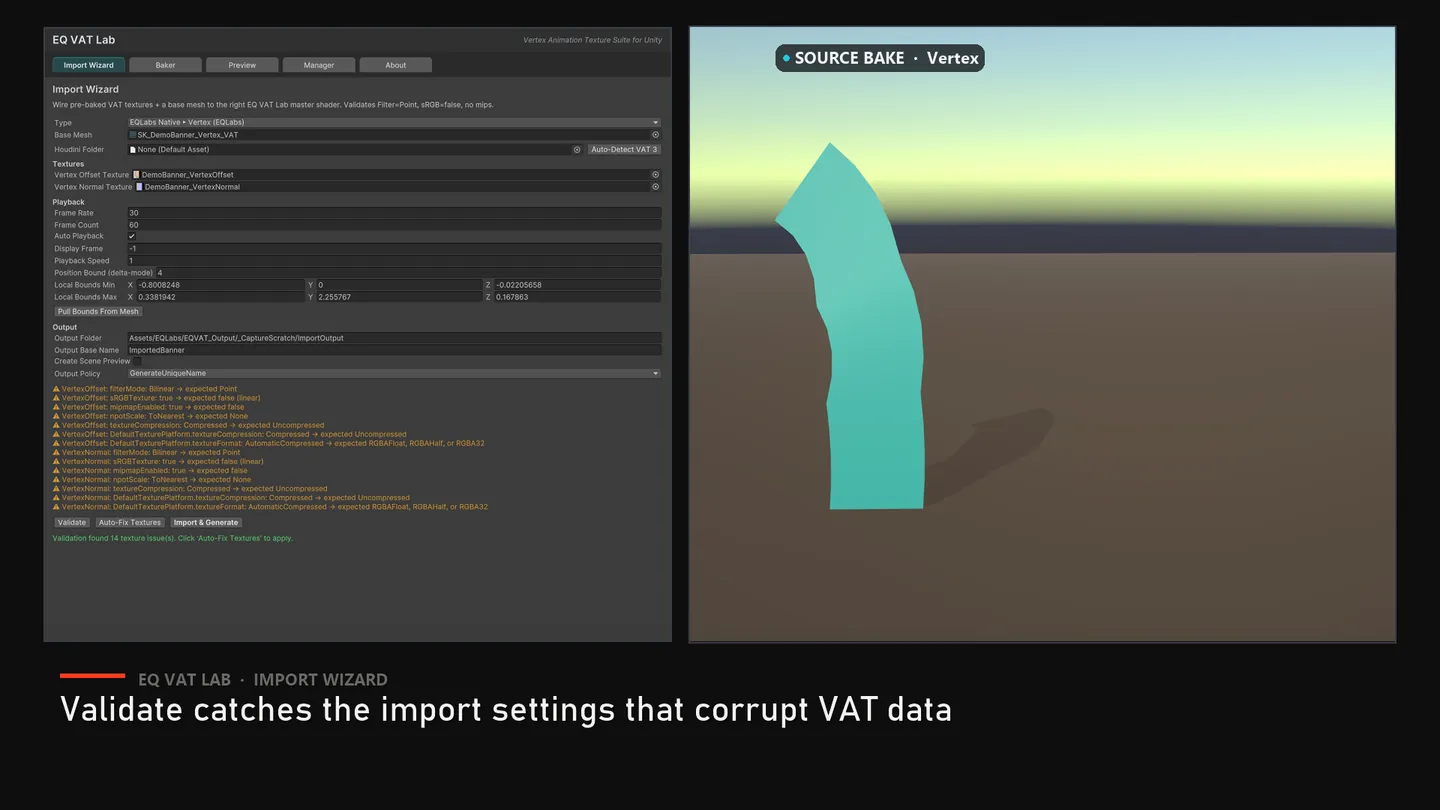
- Click Validate and then Auto-Fix Textures if texture import settings need repair.
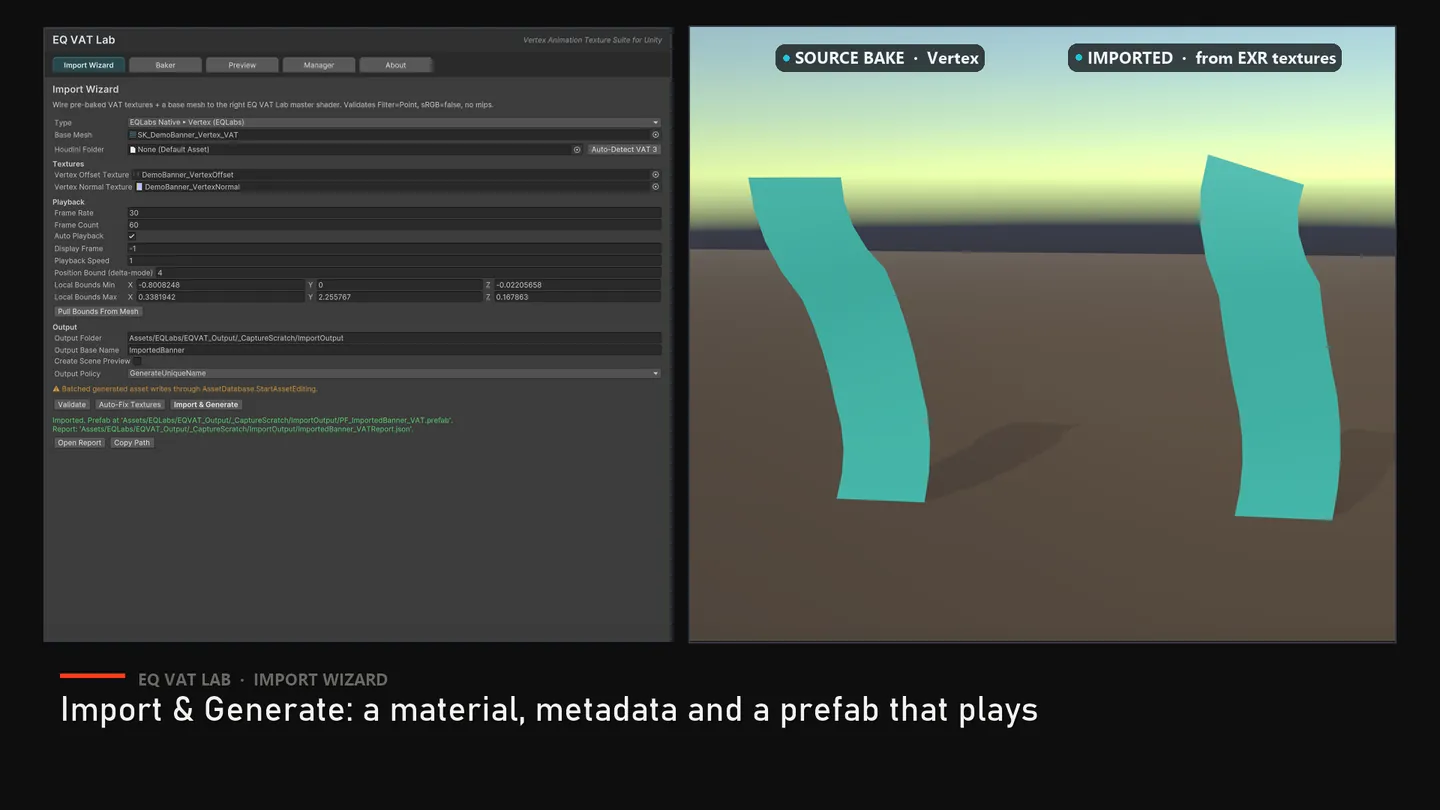
- Click Import & Generate.
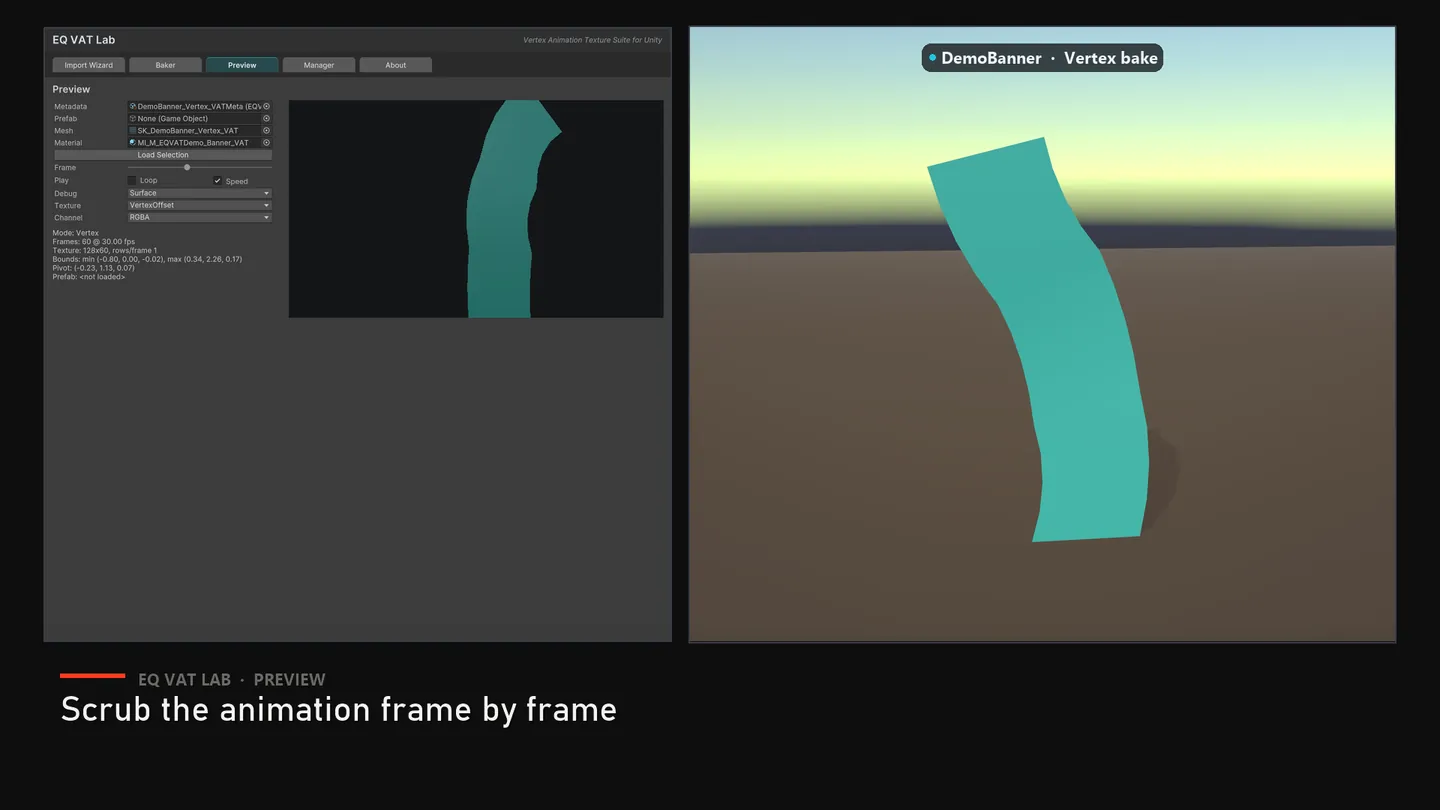
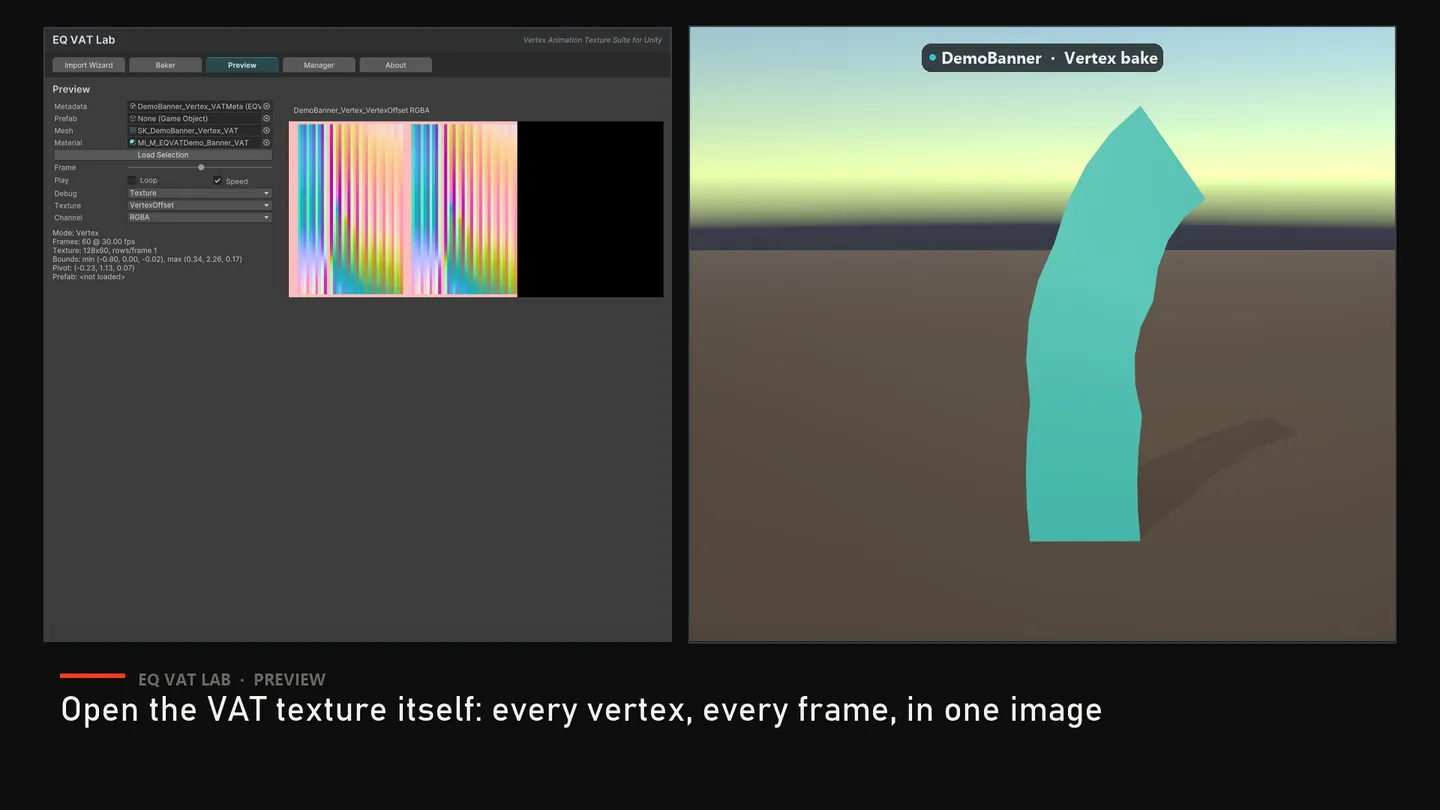
- Use the generated prefab or open the Preview tab to scrub/play the result.
The same wizard imports EQLabs-native bakes; these stills show one, a Vertex bake read back from EXR textures.
Supported Houdini VAT 3 modes
Section titled “Supported Houdini VAT 3 modes”| Mode | EQVAT shader | Required textures | Optional textures |
|---|---|---|---|
| Soft Body | EQVAT/URP/SoftBody | Position, Rotation | Color |
| Rigid Body | EQVAT/URP/RigidBody | Position, Rotation | Color |
| Fluid / Dynamic Remesh | EQVAT/URP/Fluid | Position, LookupTable | Rotation, Color |
| Particle Sprites | EQVAT/URP/Sprites | Position | Color |
The Import Wizard can still be filled manually if auto-detect cannot infer the
export layout. Select one of the Houdini VAT 3 Import types, assign the base
mesh and required textures, then pull bounds from the mesh or type the values
from the Houdini .mat file.
.mat companion data
Section titled “.mat companion data”The parser reads the Houdini/Unity material companion text when present. It looks for:
- Bounds:
_boundMinX/Y/Z,_boundMaxX/Y/Z, or_VAT_LocalBoundsMin/Max. - Playback:
_frameCount,_houdiniFPS,_displayFrame,_playbackSpeed,_B_autoPlayback. - Texture references:
_posTexture,_rotTexture,_lookupTable,_colTexture,_spareColTexture,_posTexture2. - Mode hints from shader/material names such as SoftBody, RigidBody, DynamicRemeshing, Fluid, Sprite, or ParticleSprites.
EQVAT converts those values into the EQVAT shader property layout:
_VAT_Position_VAT_Rotation_VAT_LookupTable_VAT_SpriteColor_VAT_LocalBoundsMin_VAT_LocalBoundsMax_VAT_HoudiniFPS_VAT_DisplayFrame_VAT_Speed
Texture import settings
Section titled “Texture import settings”VAT data textures should be point-sampled, linear, mip-free, and uncompressed. Houdini exports commonly use Repeat wrap mode; EQVAT validation accepts Clamp or Repeat and flags mirror modes because they corrupt table lookups.
Use Auto-Fix Textures after auto-detect if Unity imported the textures with sRGB, mips, compression, or a bad wrap mode.
Important limits
Section titled “Important limits”- VAT 3.0 is the target. VAT 2.0 / Built-in pipeline Houdini exports are not a production path.
- Optional high-precision Position2 and SpareColor textures are parsed for reporting/future parity, but only the texture slots exposed by the current EQVAT shaders are wired.
- Baking Houdini VAT inside Unity is not part of the EQVAT Baker tab. Houdini remains the DCC baker.
Troubleshooting
Section titled “Troubleshooting”| Symptom | Likely cause | Fix |
|---|---|---|
| Auto-detect finds no type | Folder or asset names do not contain recognizable mode hints | Pick a Houdini VAT 3 Import type manually |
| Mesh collapses near origin | Bounds metadata was not read or pulled | Assign the .mat companion or click Pull Bounds From Mesh |
| Animation is static | Frame count/FPS/display-frame values are wrong | Check _frameCount, _houdiniFPS, Auto Playback, and Display Frame |
| Fluid tears or scrambles | Lookup table missing or filtered | Assign LookupTable, set Filter = Point, disable mips |
| Looks blurred/smeared | Texture import settings are wrong | Run Auto-Fix Textures |
Opens our feedback form in a new tab with the tool name pre-filled.