
UnityEQ VAT Lab
Reference
Per-mode notes
Section titled “Per-mode notes”-
Bone stores a
(numBones × (frames + 1))RGBA32F texture pair (position + axis-angle rotation). Row 0 = ref pose, rows 1+ = animated. Bone weights live in UV3/UV4 of the static mesh; bone indices in UV1/UV2 (half-pixel centred). Linear blend skinning runs entirely on the GPU.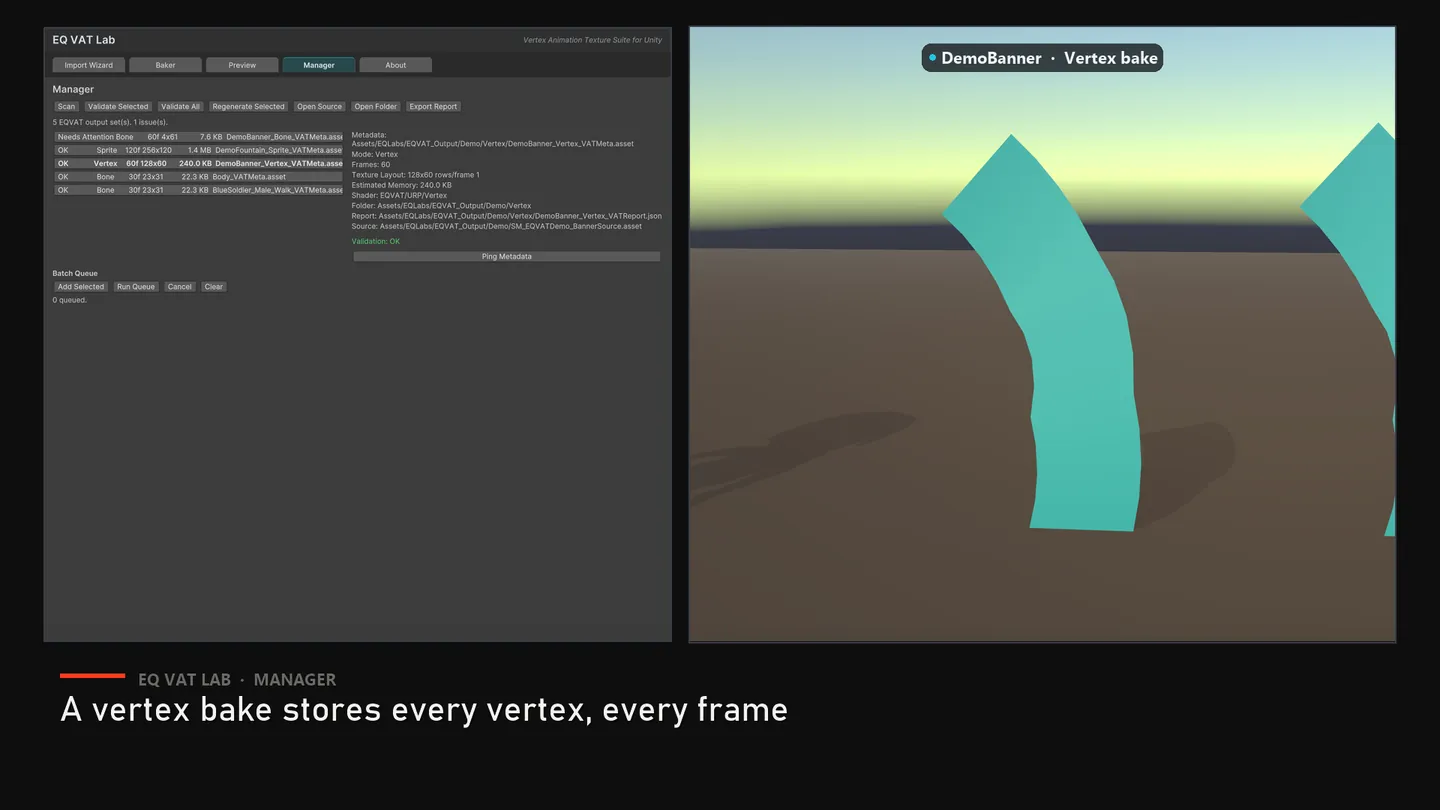
-
Vertex stores one row per vertex per frame (with multi-row per frame for high-vertex-count meshes —
RowsPerFrame > 1). Per-vertex offset (delta from rest) + per-vertex normal. Heavier than Bone but captures any deformation. -
Alembic auto-detects topology stability across the playback. Constant topology → delta encoding (smaller, smoother). Dynamic topology → absolute-position encoding via
_USE_ABSOLUTE_POSITIONSkeyword +_VAT_LocalBoundsMin/Max. -
Sprite captures up to 1024 unique particles using
Particle.randomSeedas a stable ID. Quad-grid mesh, camera-facing billboard shader (unity_CameraToWorld._m00_m10_m20columns). -
VFX Graph Sprite uses
EQVATVFXGraphCaptureSourceas an explicit capture bridge. Production graphs must emit output events with stable particle id, position, color, size, and alive attributes; the procedural fixture mode exists only for validation scenes and tests. SeeDocumentation/VFXGraphOutputEventContract.mdfor the exact graph contract.
Texture import settings (validation)
Section titled “Texture import settings (validation)”VAT data textures must have:
- Filter Mode = Point (no bilinear bleeding between vertices/frames/pieces)
- sRGB = OFF (linear)
- Mip Maps = OFF
- NPOT Scaling = None
- Compression = Uncompressed
- Wrap Mode = Clamp
For Houdini VAT 3 imports, use the Import Wizard’s Auto-Detect VAT 3 button on the export folder. It reads the .mat companion when present, pulls bounds/FPS/frame metadata, and wires EQVAT URP shaders rather than SideFX shadergraphs. For a guided first import, open Demo/URP/EQVATLab_HoudiniImport_Demo.unity, assign your export folder, and press Import + Place.
The Import Wizard’s Validate button checks all of the above; Auto-Fix Textures rewrites the importer settings + reimports. The EQVAT bakers write textures with these settings already applied — you only need Validate / Auto-Fix when bringing in textures baked from a different tool (e.g. Houdini SideFX VAT export).
Material parameters
Section titled “Material parameters”| Property | Type | Notes |
|---|---|---|
_VAT_Speed | Float | Playback speed multiplier. 1.0 = native, 0.5 = half-speed |
_VAT_FrameRate | Float | Source FPS, set by the baker |
_VAT_HoudiniFPS | Float | Source FPS for Houdini VAT 3 import shaders |
_VAT_TotalFrames | Float | Number of animation frames |
_VAT_DisplayFrame | Float | If ≥ 0, freeze on this frame (useful for debugging) |
_VAT_PositionBound | Float | Magnitude cap for delta-mode encoding |
_VAT_LocalBoundsMin/Max | Vector | Used by Alembic absolute mode + Houdini import shaders |
_BaseMap, _BumpMap, _BaseColor, _BumpScale, _Smoothness, _Metallic | Standard URP Lit-style surface inputs |
Motion vectors
Section titled “Motion vectors”All EQVAT URP master shaders ship a hand-authored MotionVectors pass that recomputes the VAT WPO at _Time.y - unity_DeltaTime.x and outputs the screen-space delta against the current frame. This is required for TAA / DLSS / TSR; without it, VAT meshes ghost or smear under temporal anti-aliasing.
One documented exception: the Fluid shader’s MotionVectors pass renders the deformed surface for correct coverage but writes zero motion for the deformation itself — a fluid cache’s topology changes between frames, so per-vertex motion cannot be reconstructed and a wrong vector smears worse than none. Camera motion is still correct; fast fluid surfaces may show mild TAA softening.
GPU instancing and per-instance tint (Bone / Vertex)
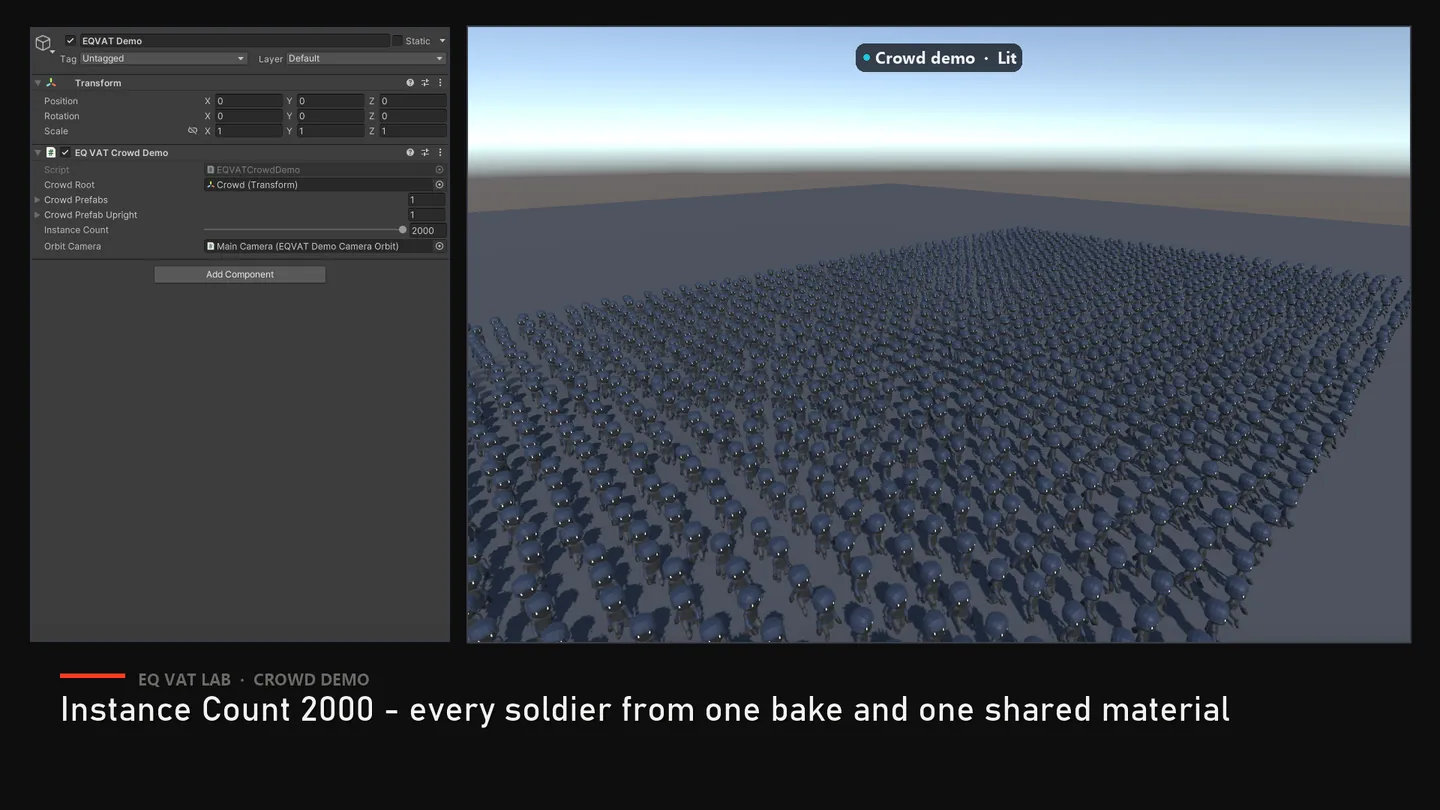
Section titled “GPU instancing and per-instance tint (Bone / Vertex)”The Bone and Vertex master shaders declare their per-instance playback state
(_VAT_DisplayFrame, _VAT_PrevDisplayFrame, _VAT_Speed, _VAT_FrameRate,
_VAT_TotalFrames) plus _VAT_InstanceTint in a GPU instancing buffer, and
the bakers enable instancing on the materials they generate. That means the
per-instance values a playback controller writes through a
MaterialPropertyBlock are gathered into instanced draws instead of forcing a
separate draw call per character — which is what makes large crowds cheap.
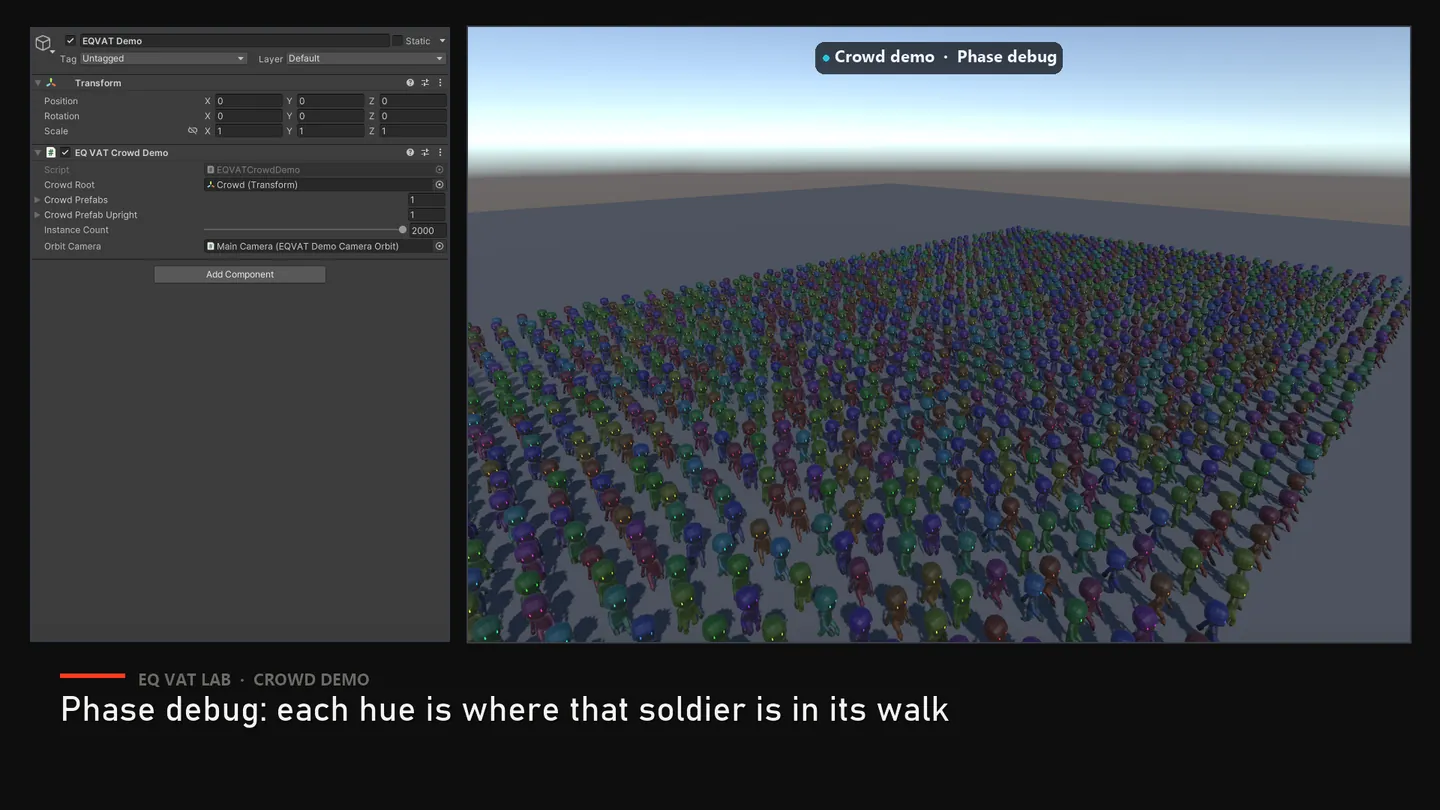
Set _VAT_InstanceTint through a MaterialPropertyBlock to vary colour per
character without cloning materials. Writing _BaseColor per renderer instead
works visually but is a material-level property, so it costs the instancing.
Trade-off worth knowing: instanced properties cannot live in the
UnityPerMaterial buffer, so these two shaders are not SRP Batcher
compatible. For crowds this is a large net win; the other master shaders
(Alembic, Sprite, VFX Graph, Houdini) are untouched.
Runtime playback
Section titled “Runtime playback”Add EQ VAT Playback Controller to a generated prefab instance when you need deterministic per-instance playback. The controller writes _VAT_DisplayFrame, _VAT_Speed, _VAT_FrameRate, _VAT_HoudiniFPS, and _VAT_TotalFrames through MaterialPropertyBlock, so many instances can run different phases without cloning materials. It supports loop, one-shot, manual frame, clip frame ranges, random start frame, start delay, and completion events.
EQVATSocketTracker can reference the controller directly so sockets sample the same frame that the renderer displays.
Bake budgets
Section titled “Bake budgets”The Baker tab includes a Quality Profile selector and optional max texture width override. Profiles drive the estimate line before baking and the allocation clamp inside each native baker:
| Profile | Max width | Max height | Texture memory budget |
|---|---|---|---|
| Preview | 2048 | 4096 | 256 MB |
| Production | 4096 | 8192 | 1024 MB |
| Cinematic | 8192 | 8192 | 2048 MB |
| Mobile | 2048 | 4096 | 128 MB |
Each bake report records source element count, texture count, estimated texture bytes, bake duration, and managed memory delta.
Managing generated output
Section titled “Managing generated output”With a bake’s _VATMeta.asset (or any of its generated assets) selected in the Project view:
Tools → EQLabs → EQ VAT Lab → Generation → Regenerate Selected Outputre-runs the bake that produced it, using the recorded source and settings.Tools → EQLabs → EQ VAT Lab → Generation → Clean Selected Outputmoves the bake’s generated assets to the system trash (recoverable from the OS recycle bin) after a confirmation listing exactly what will go.
Opens our feedback form in a new tab with the tool name pre-filled.