
Art
The Art module covers texture and material authoring, baking, VFX, environment art, lookdev, scatter & spline placement, trim & decal management, and color design.
25 registered tools.
Texture authoring
Section titled “Texture authoring”-
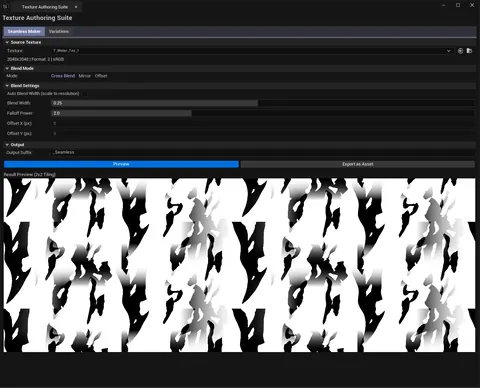 Texture Authoring Suite
 Seamless textures and color variation generator.
TextureArt -
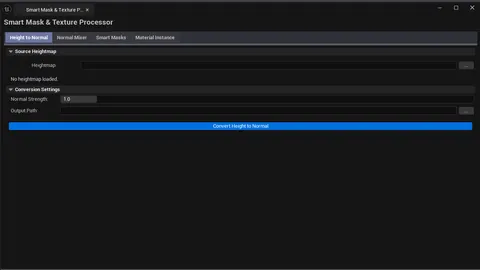 Smart Mask & Texture Processor
 Height→Normal, normal mixer, smart masks, MI factory.
TextureArt -
 Flow Map Studio
 Interactive flow map painting and procedural generation.
TextureArt -
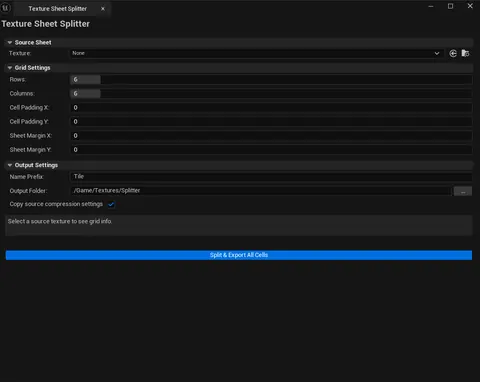 Texture Sheet Splitter
 Split atlases into individual texture assets.
TextureArt
Baking & material authoring
Section titled “Baking & material authoring”-
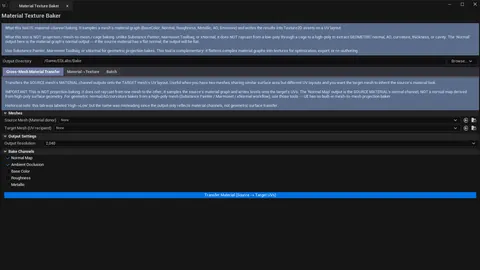 Material Texture Baker
 Bake material channels to textures (NOT projection baking).
Bake -
 Material Layer Studio
 Material instance debugger + function library browser.
MaterialAuthoring -
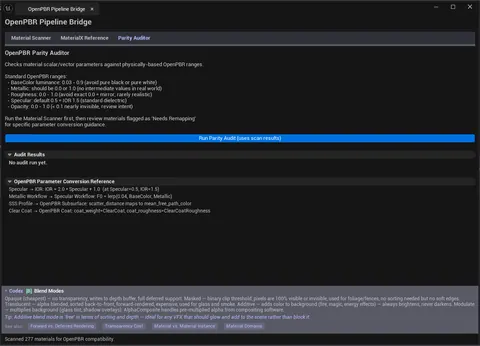 OpenPBR Pipeline Bridge
 OpenPBR / Substrate / MaterialX compatibility analysis.
MaterialAuthoring -
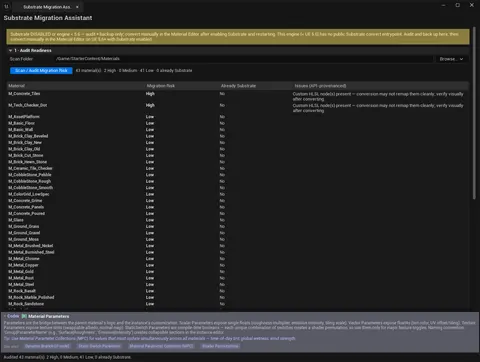 Substrate Migration Assistant
 Audit Substrate conversion risk, back up originals, and invoke Unreal's one-way per-material conversion safely.
MaterialAuthoring
Painting
Section titled “Painting”-
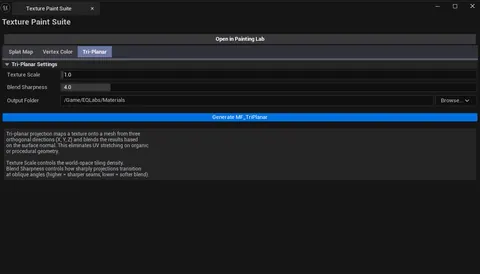 Texture Paint Suite
 Splat maps, vertex color fill/blur, tri-planar material function.
Paint -
 Flowmap Painter
 Paint flow vectors directly onto a level mesh in the viewport and bake them to a flowmap texture.
Paint
-
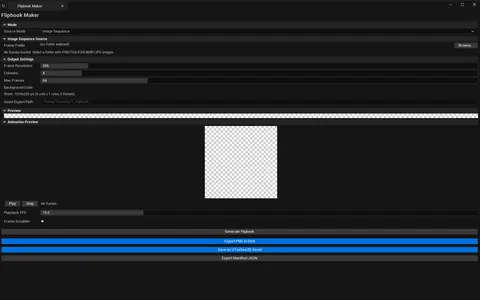 Flipbook Maker
 Build sprite sheets from images, captures, video, or CB textures.
VFX -
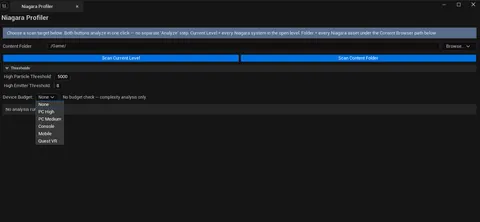 Niagara Profiler
 Profile Niagara systems with per-device budget compliance.
VFX -
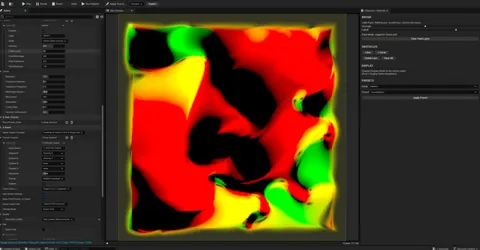 EQSynth Lab
 VFX texture synthesizer (custom asset workflow).
TextureSynthesis -
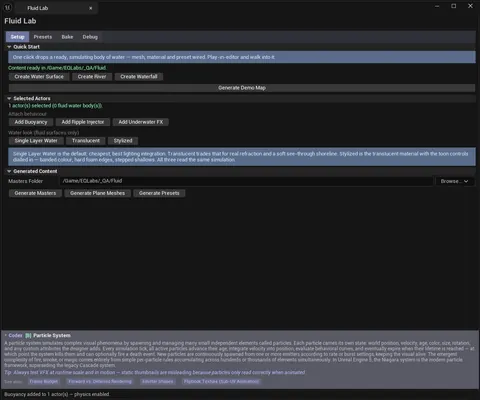 Fluid Lab
 Interactive water surface simulation: GPU wave canvas, ripple injection, buoyancy, presets and a flipbook bake.
FX -
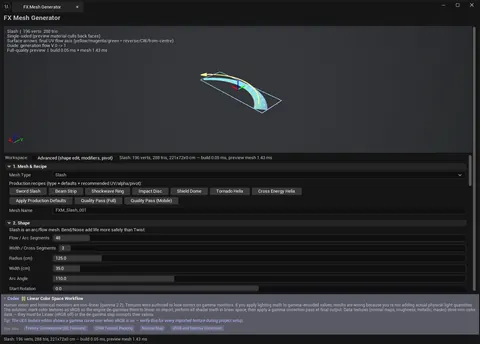 FX Mesh Generator
 Generate VFX meshes — slashes, beams, shockwave rings, impact discs, shield domes, helix trails — with baked UV flow and vertex alpha.
VFX
Environment art
Section titled “Environment art”-
 Foliage Placement Analyzer
 Foliage performance audit — density, draw calls, LODs, cull distance.
EnvironmentArt -
 Landscape Layer Debugger
 Diagnose landscape paint layer issues, remove unused layers.
EnvironmentArt
Lookdev & color
Section titled “Lookdev & color”-
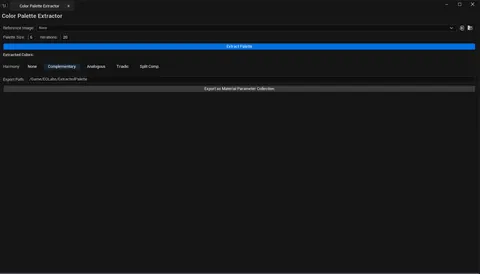 Color Palette Extractor
 K-means dominant color extraction with harmonies.
Lookdev -
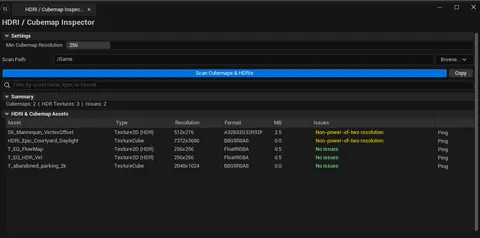 HDRI / Cubemap Inspector
 Audit TextureCube and HDR Texture2D assets.
Lookdev -
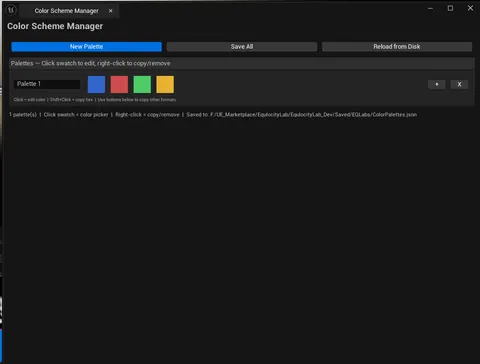 Color Scheme Manager
 Persistent color palette manager with multi-format copy.
ColorDesign
-
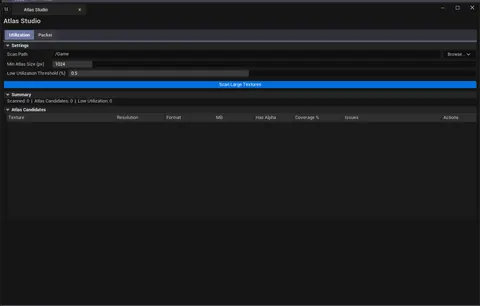 Atlas Studio
 Atlas utilization audit + uniform-grid packer.
Atlas
Scatter & spline
Section titled “Scatter & spline”-
 Procedural Scattering & Placement Suite
 Drop, scatter, presets, HISM bake.
Scatter -
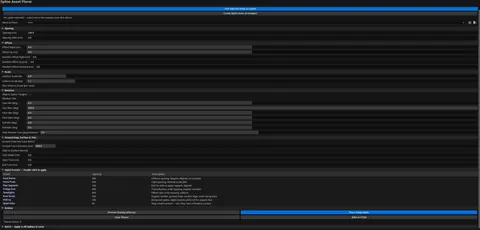 Spline Asset Placer
 Spline-driven mesh distribution with quick presets.
Scatter -
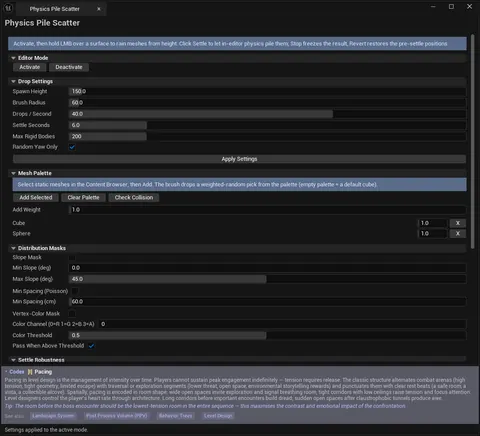 Physics Pile Scatter
 Paint-drop static meshes from height and let an in-editor Chaos simulation settle them into natural piles.
Scatter
Trim & decal
Section titled “Trim & decal”-
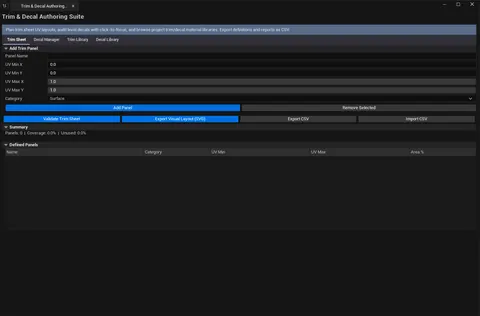 Trim & Decal Authoring Suite
 Trim sheet panels + decal management + libraries.
TrimDecal
Tool reference
Section titled “Tool reference”| Tool | Category | Type |
|---|---|---|
| Flipbook Maker | VFX | 4-mode |
| Niagara Profiler | VFX | Single panel |
| Texture Sheet Splitter | TextureArt | Single panel |
| Texture Authoring Suite | TextureArt | 2-tab |
| Smart Mask & Texture Processor | TextureArt | 4-tab |
| Flow Map Studio | TextureArt | Interactive canvas |
| Foliage Placement Analyzer | EnvironmentArt | Single panel |
| Landscape Layer Debugger | EnvironmentArt | Two-list |
| Color Palette Extractor | Lookdev | Single panel |
| HDRI / Cubemap Inspector | Lookdev | Single panel |
| Color Scheme Manager | ColorDesign | Single panel |
| Atlas Studio | Atlas | 2-tab |
| Material Layer Studio | MaterialAuthoring | 2-tab |
| OpenPBR Pipeline Bridge | MaterialAuthoring | 3-tab |
| Material Texture Baker | Bake | 3-tab |
| Texture Paint Suite | Paint | 3-tab |
| Procedural Scattering & Placement Suite | Scatter | 5-tab |
| Spline Asset Placer | Scatter | Single panel |
| Trim & Decal Authoring Suite | TrimDecal | 4-tab |
| EQSynth Lab | TextureSynthesis | Custom editor launcher |