
No. 0041 TE TechEQLabs Pro
Blueprint Inspector
Module: Tech · Category: QA · Tool ID:
BlueprintInspector
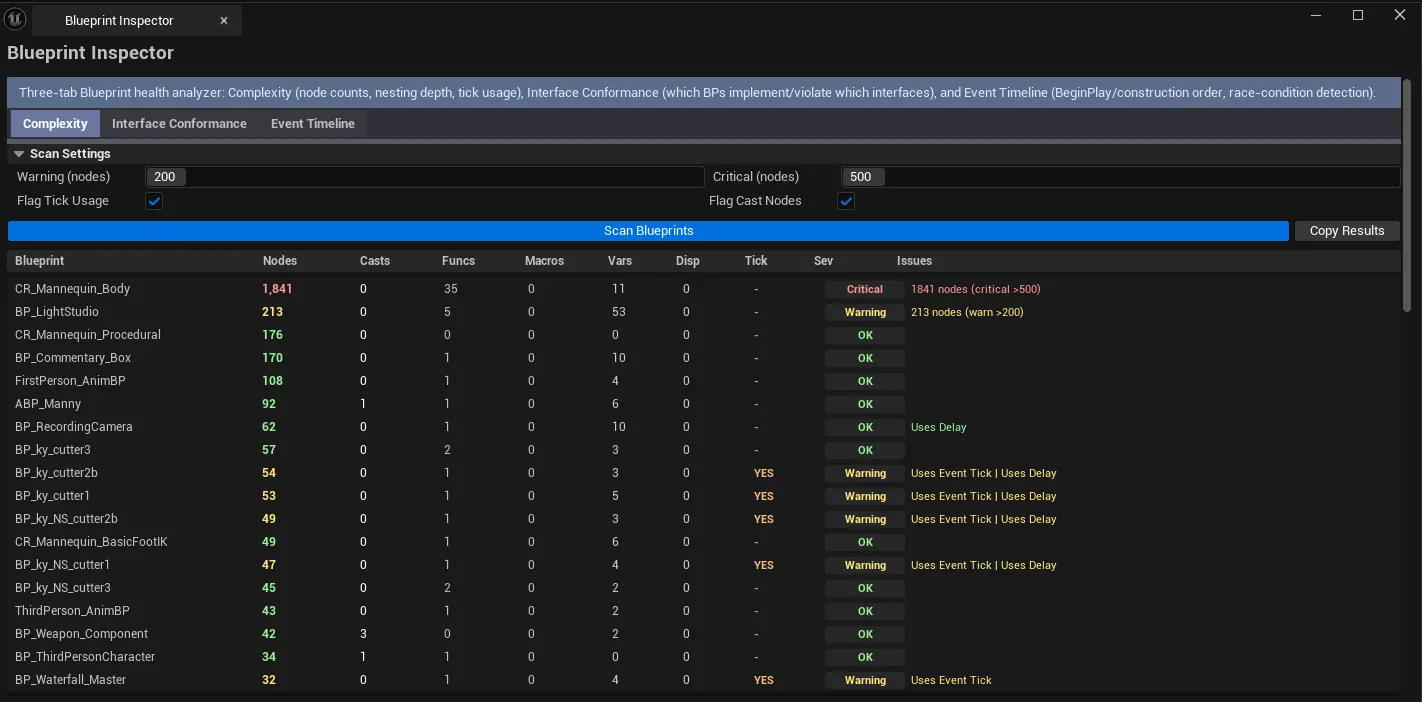
Three-tab Blueprint analysis suite. Complexity scans Blueprints for node counts, nesting depth, tick usage, cast count, etc. Interfaces audits Blueprint Interface conformance — which Blueprints implement which interfaces, where conformance is incomplete. Event Timeline traces event execution order — useful for debugging “BeginPlay race condition” type issues.
When to use it
Section titled “When to use it”- Project-wide Blueprint complexity audit
- Pre-shipping QA: finding Blueprint complexity hot spots
- Interface conformance review: confirming Blueprints actually implement what they claim
- Debugging event-ordering bugs
What it isn’t for
Section titled “What it isn’t for”- Don’t expect this to refactor Blueprints. Surfaces issues; fixes happen in the Blueprint editor.
Opening the tool
Section titled “Opening the tool”- Open the EQLabs Hub and search for Blueprint Inspector (or browse to Tech → QA).
- Click the tool card.
- Use the tab bar: Complexity / Interfaces / Event Timeline.
Tab 1: Blueprint Complexity Analyzer
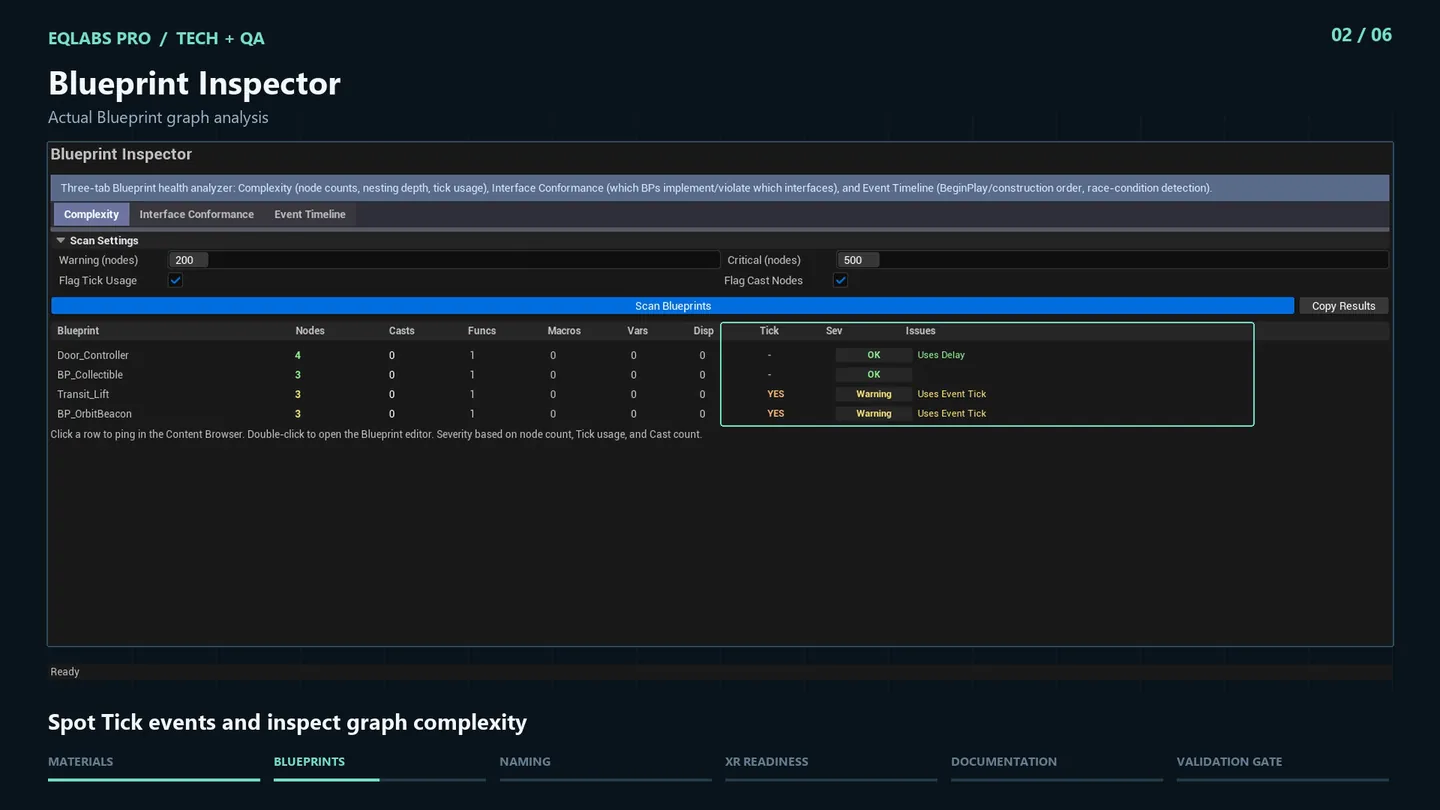
Section titled “Tab 1: Blueprint Complexity Analyzer”Per-Blueprint metrics: total node count, nesting depth, tick usage, cast count, common anti-patterns.
Tab 2: Blueprint Interface Auditor
Section titled “Tab 2: Blueprint Interface Auditor”Audit conformance:
- Which Blueprints implement Blueprint Interfaces
- Where implementations are incomplete (missing functions, signature mismatches)
- Orphan interfaces (no implementers)
Tab 3: Blueprint Event Timeline
Section titled “Tab 3: Blueprint Event Timeline”Trace event execution order — BeginPlay, BeginPlay (Actor), BeginPlay (Component), custom events. Useful for catching race conditions where two Blueprints depend on each other’s BeginPlay.
Output
Section titled “Output”- In-panel results per tab.
- Click-to-navigate. Single-click pings, double-click opens BP editor.
Tips and gotchas
Section titled “Tips and gotchas”- High node count is often legitimate. A complex character BP can have 500+ nodes. Use as signal, not absolute rule.
- Tick usage on every Blueprint is the common anti-pattern. Finding which BPs tick when they don’t need to is high-value.
- Interface conformance gaps cause runtime cast failures. Fix before shipping.
Related tools
Section titled “Related tools”- Blueprint Graph Exporter — export graphs to JSON / Markdown for documentation
- Replication Debugger — replication-specific Blueprint analysis
Opens our feedback form in a new tab with the tool name pre-filled.