
No. 0482 AR ArtEQLabs Pro
Fluid Lab
Module: Art · Category: FX · Tool ID:
EQFluidLab
Interactive water that actually reacts. A GPU wave canvas simulates a height field per water body; characters and props stamp ripples into it, objects float on it, and the whole thing can be baked down to a looping flipbook when you need the look without the cost.
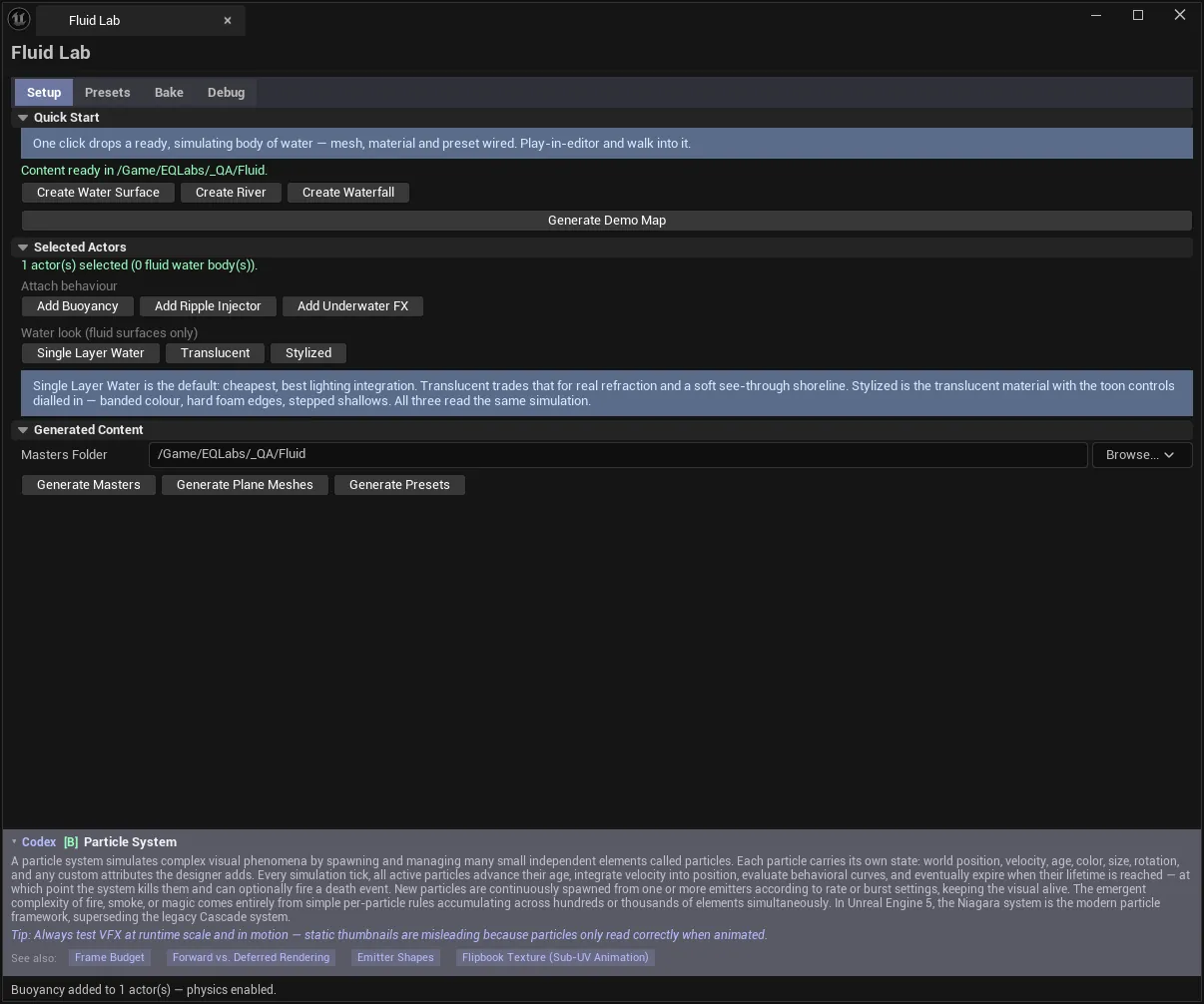
Four tabs: Setup spawns and wires water, Presets stores and applies tuned looks, Bake flattens the sim to an atlas, and Debug reports measured runtime cost.
When to use it
Section titled “When to use it”- Ponds, lakes and pools that need to react to gameplay rather than just scroll a normal map
- Rivers with directional flow along a spline
- Waterfalls down a cliff face
- Anything needing buoyancy: floating crates, boats, debris
- Baking a looping water flipbook for distant or low-end water
What it isn’t for
Section titled “What it isn’t for”- Don’t use it for oceans. This is a bounded height-field canvas per water body, not a horizon-scale water system.
- Don’t use the live sim for every puddle in a level. Each body carries a canvas; bake the ones nobody interacts with.
- Don’t skip Generate Masters. Nearly every action depends on the generated master materials, and the tool will tell you so by name when they are missing.
Opening the tool
Section titled “Opening the tool”- Open the EQLabs Hub and search for water or
fluid(or browse to Art → FX). - Click the tool card.
- Start on Setup → Generate Masters before anything else.
First run: generate content
Section titled “First run: generate content”Everything else depends on this. The Generated Content section writes master materials, meshes and presets into your project, never into plugin content.
| Control | Notes |
|---|---|
| Masters Folder | Project folder the masters are written to — must be a /Game/... path |
| Generate Masters | Master materials (water looks, baked, debug) |
| Generate Plane Meshes | The plane meshes surfaces use |
| Generate Presets | The shipped UEQFluidPreset assets |
Until these exist the panel says so plainly — “Surface created — generate masters first” — naming the asset it could not find.
Why generation rather than shipped assets: the masters are written into your project so they are yours to modify and version. That is also why they are get-or-create — the tool will not clobber a master you have edited.
Setup tab
Section titled “Setup tab”Quick Start
Section titled “Quick Start”One click drops a ready, simulating body of water with mesh, material and preset already wired.
| Action | Result |
|---|---|
| Create Water Surface | A water surface at the origin, selected |
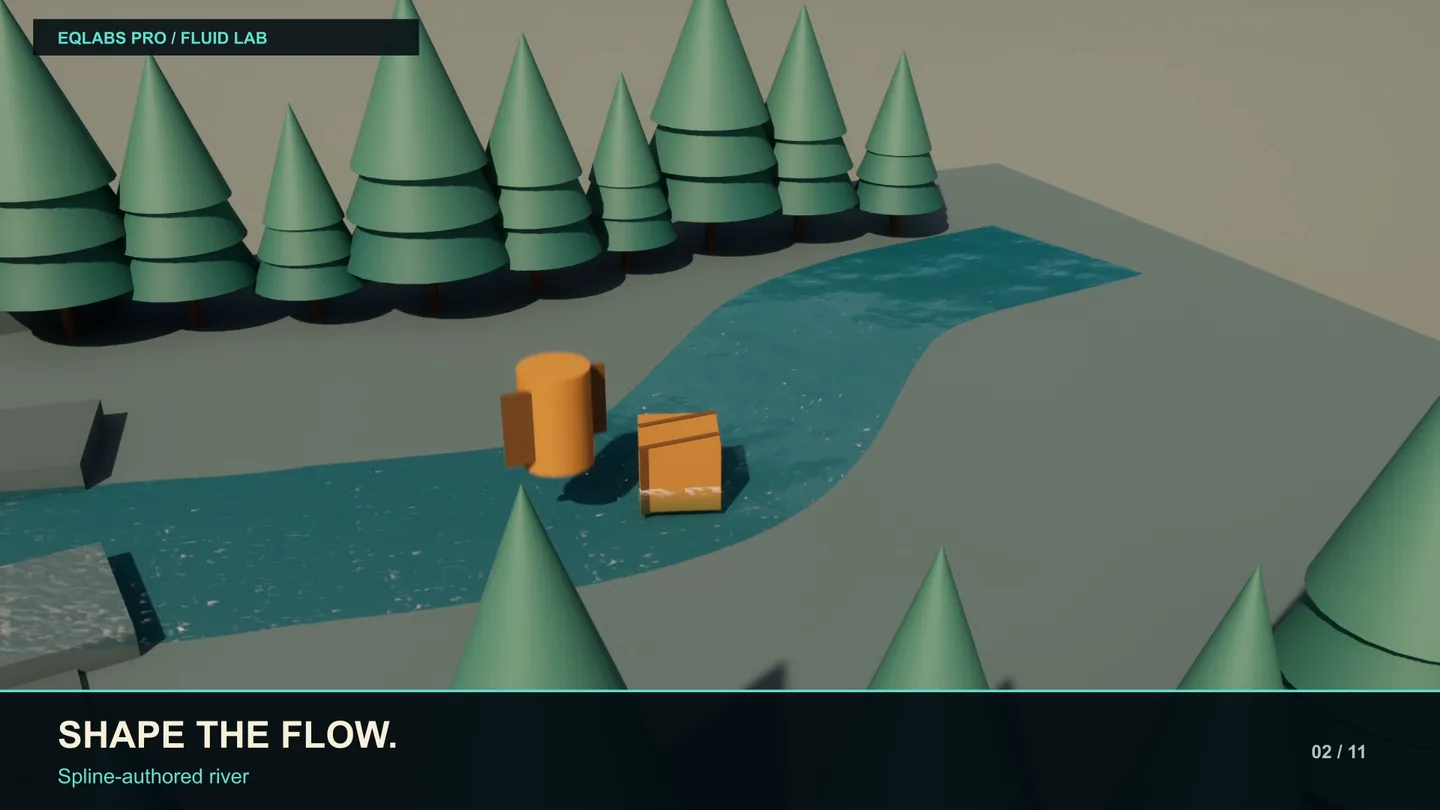
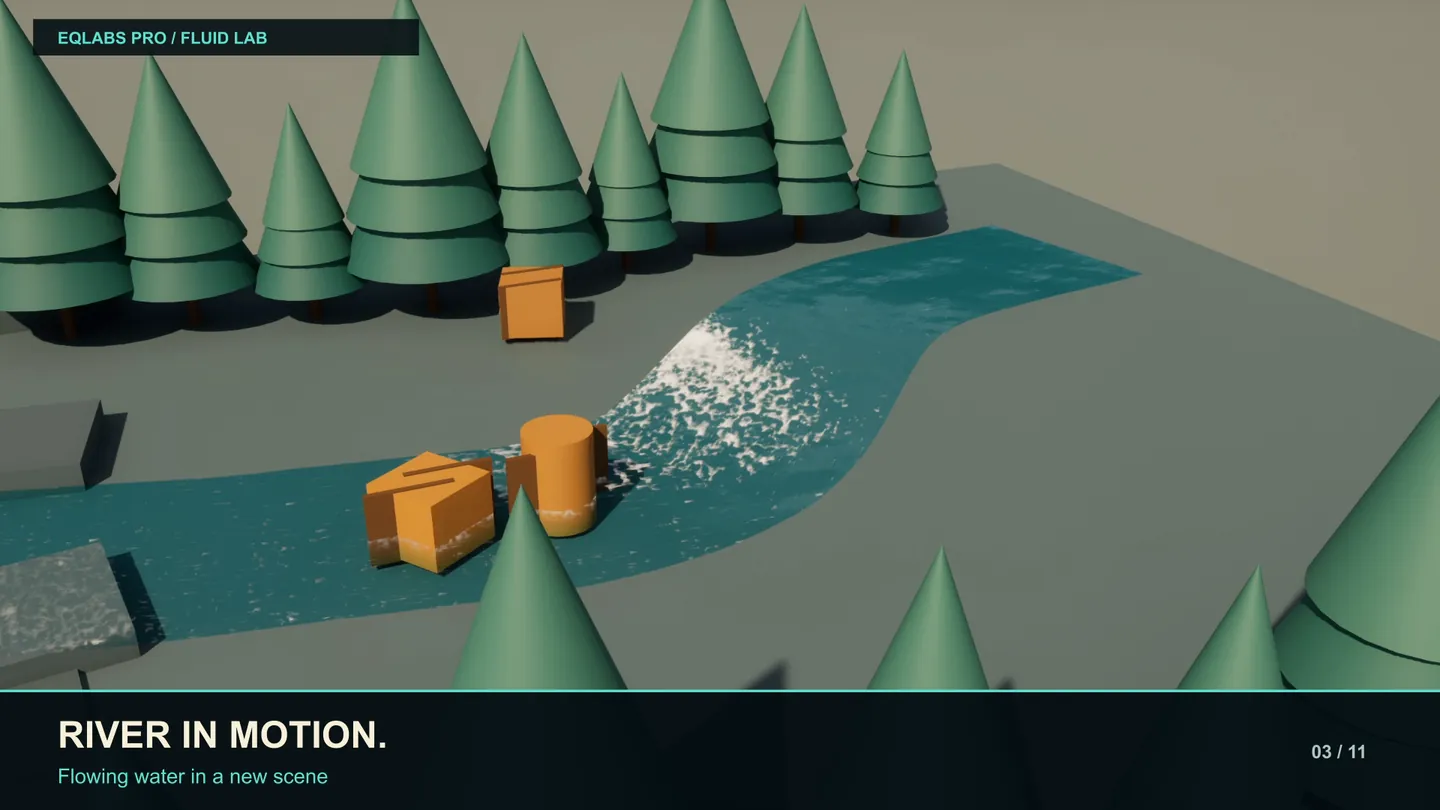
| Create River | A spline river — drag the spline points to shape it |
| Create Waterfall | A spline waterfall — drag the spline down your cliff, top point first |
| Generate Demo Map | Builds and opens a showcase level: four preset quadrants, a buoyant crate, ambient rain |
The Demo Map is the fastest way to see what the system does and to compare the presets side by side.
For rivers, flow is not automatic — enable Inject Downstream Flow to make the surface carry things along it.
Selected Actors
Section titled “Selected Actors”Actions that apply to the current level selection.
| Action | What it adds |
|---|---|
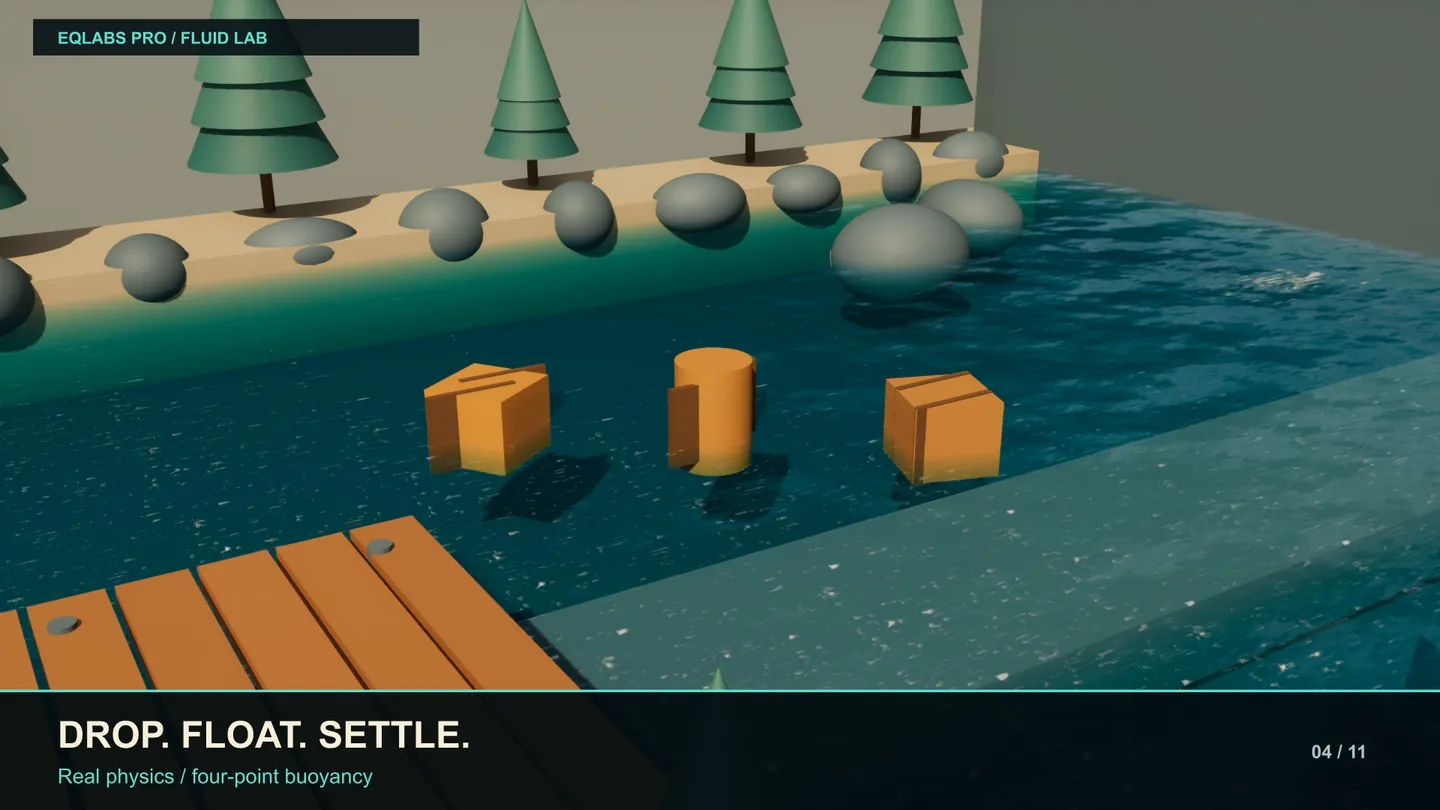
| Add Buoyancy | Makes selected actors float — enables physics on them |
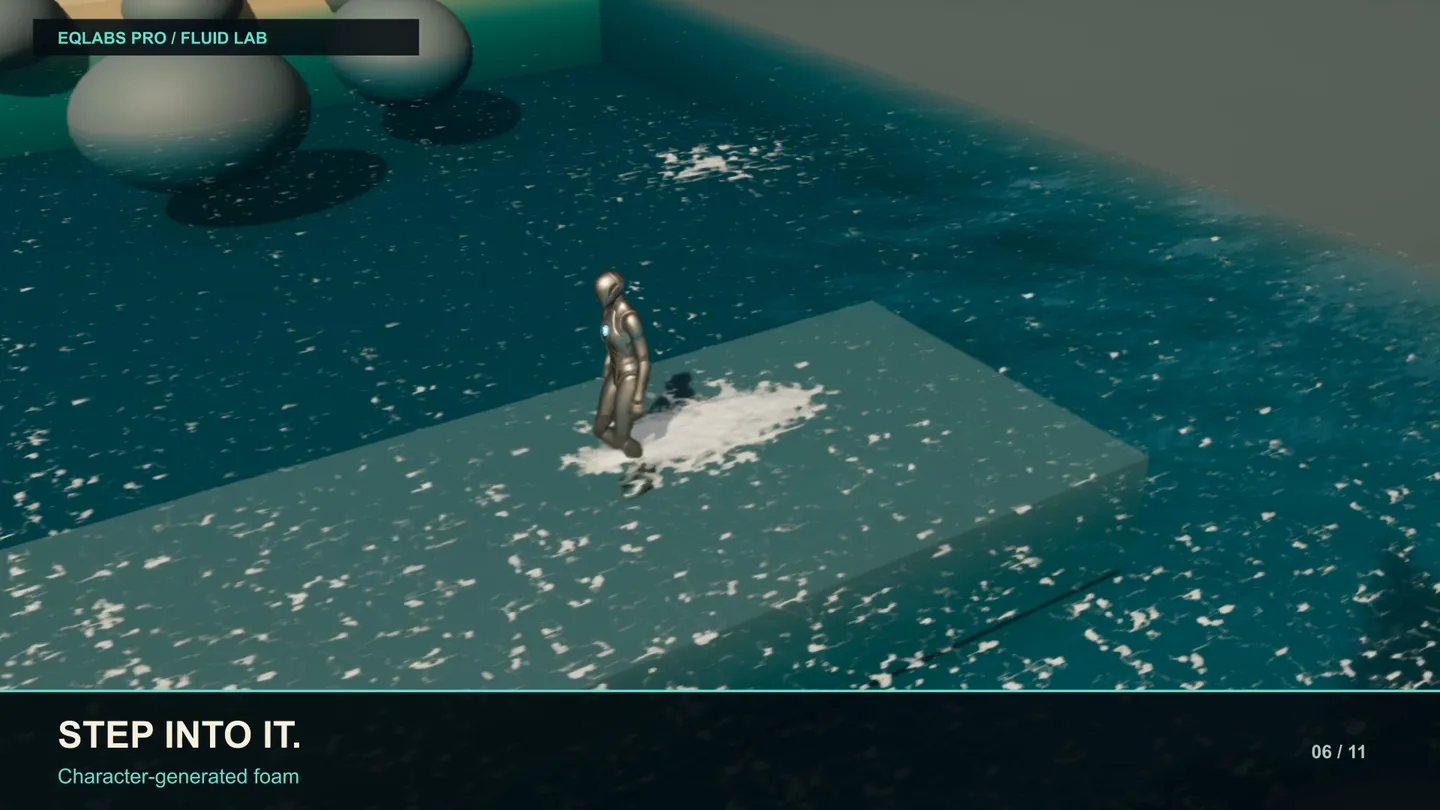
| Add Ripple Injector | Selected actors stamp ripples into the water as they move |
| Add Underwater FX | Underwater camera effects on a fluid surface |
Each reports what it did, including how many actors already had the component, so running it twice is safe.
Worth knowing up front:
- Buoyancy needs simple collision. An actor without simple collision and a physics-enabled collision setting cannot simulate, and the tool says exactly that rather than silently doing nothing.
- The ripple injector stamps from its component’s own location. If ripples appear in the wrong place, move the component, not the actor.
- Underwater FX follows the local player camera, so the effect only shows in play, not in the editor viewport.
Water look
Section titled “Water look”Applies to fluid surfaces only.
| Look | Trade-off |
|---|---|
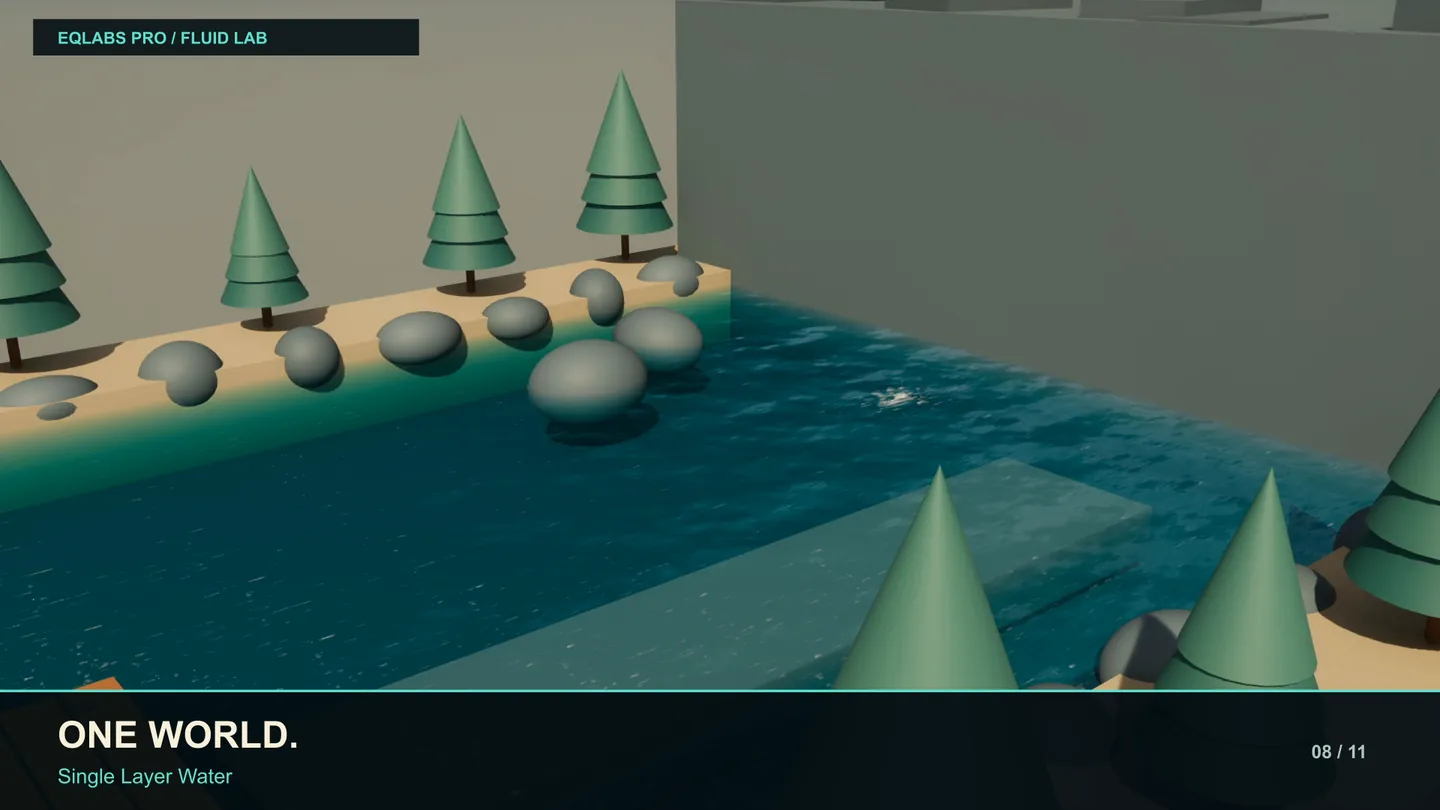
| Single Layer Water | Default. Cheapest, best lighting integration |
| Translucent | Real refraction and a soft shoreline, at a higher cost |
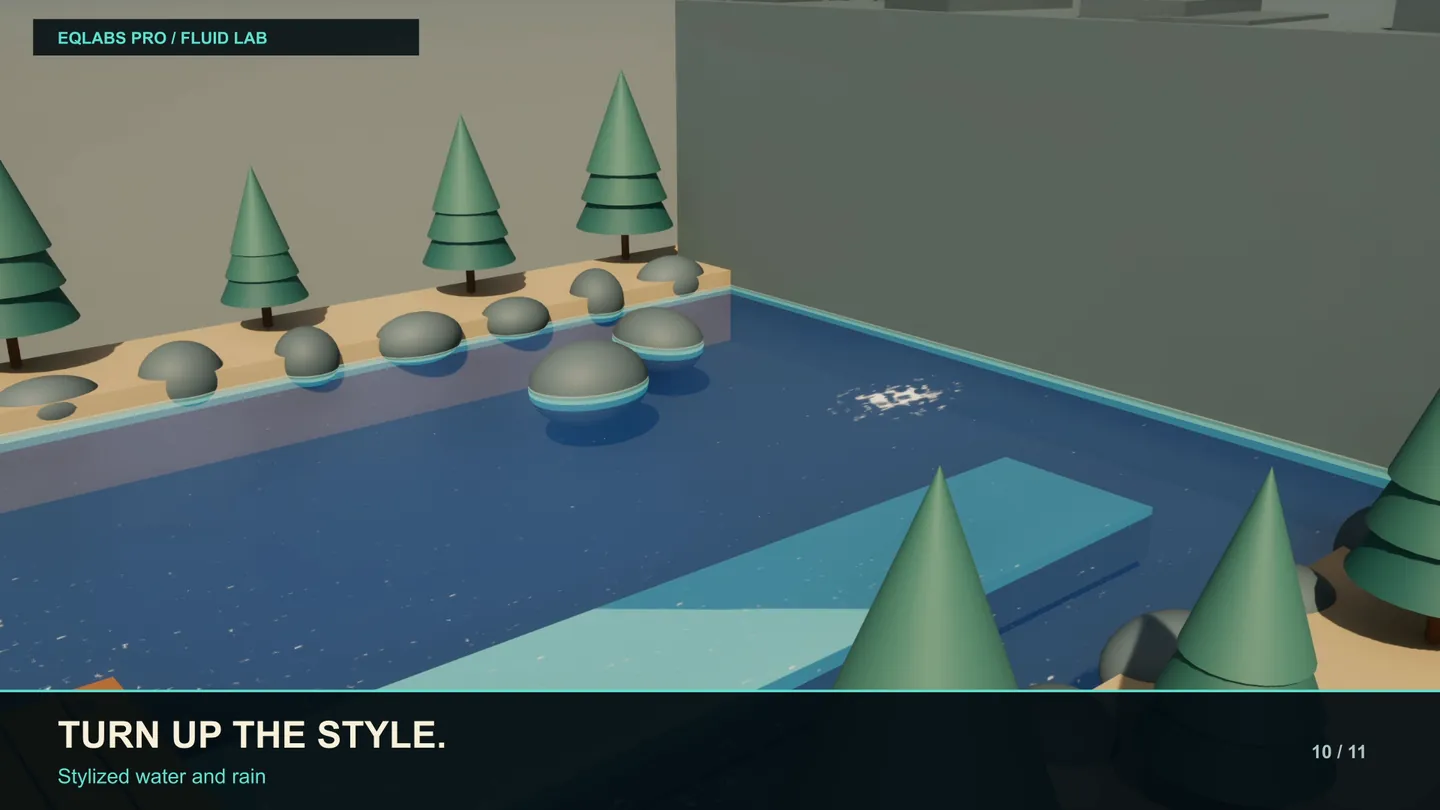
| Stylized | Toon/stylised treatment |
Single Layer Water is the right default in almost every case — it is the engine’s own water shading model and integrates with lighting properly. Move to Translucent when you specifically need refraction through the surface or a soft shore transition.
Presets tab
Section titled “Presets tab”Presets are UEQFluidPreset assets holding a tuned look — simulation values plus flow and ambient-wave settings.
| Control | Notes |
|---|---|
| Apply to Selected | Applies the chosen preset to selected surfaces and rivers |
| Preset Name | Name for a new preset, e.g. EQFluid_MyWater |
| Save Selected Surface as Preset | Captures the selected surface’s current values into a new asset |
Saved presets go into the Masters Folder set on the Setup tab.
Capture requires exactly one surface selected — the tool refuses several, because collapsing multiple looks into one preset is ambiguous rather than merely awkward. It also refuses a name that already exists rather than overwriting.
Rivers accept presets too, and take everything the surface does.
Bake tab
Section titled “Bake tab”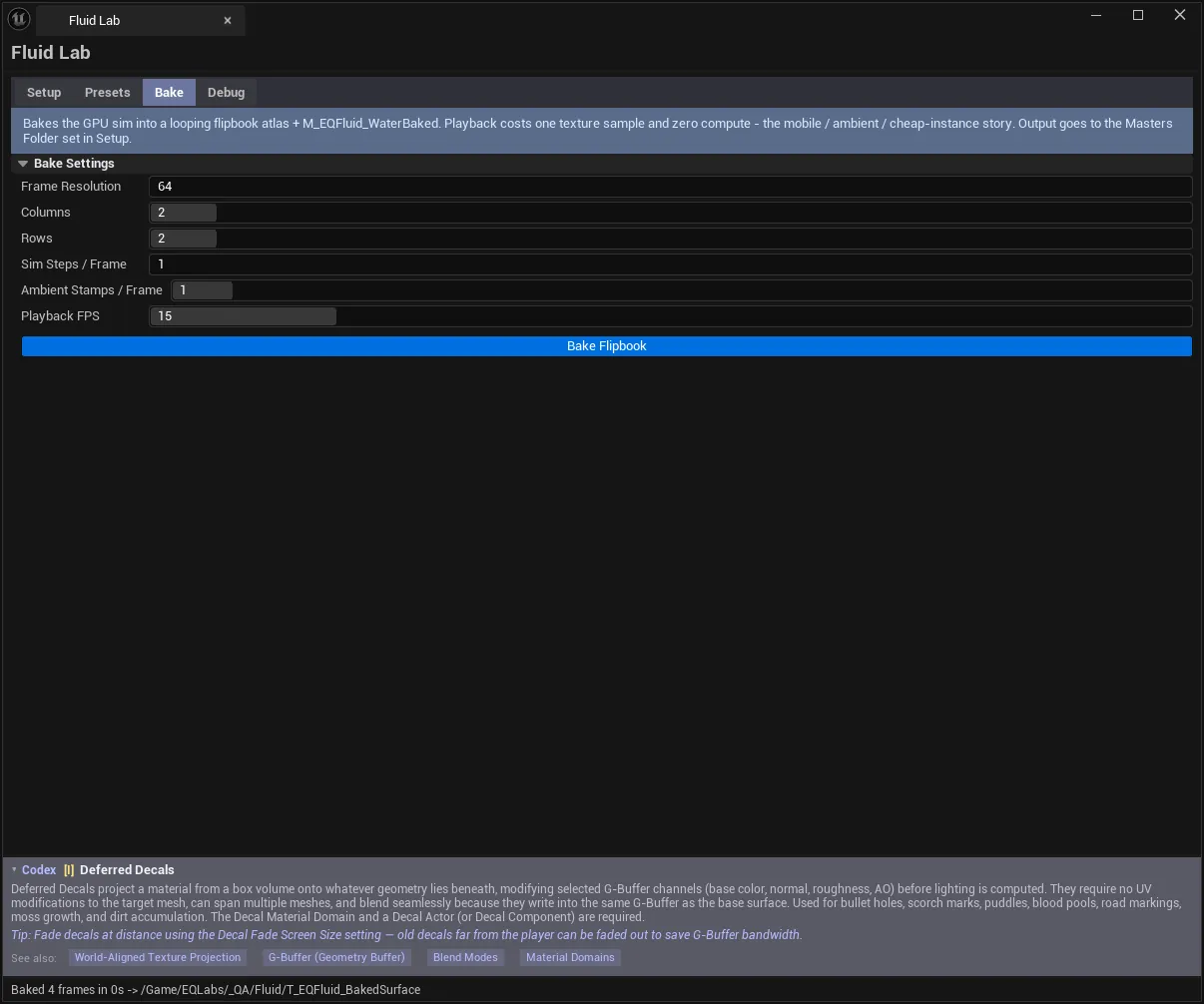
Bakes the GPU sim into a looping flipbook atlas plus an M_EQFluid_WaterBaked material. This is how you get the look on water nobody interacts with, at a fraction of the cost.
| Setting | Notes |
|---|---|
| Frame Resolution | Sim and tile resolution per frame |
| Columns / Rows | Atlas layout — atlas size = Columns × Res by Rows × Res |
| Sim Steps / Frame | Higher = faster apparent motion in the loop |
| Ambient Stamps / Frame | Raindrop-like agitation that keeps the loop alive |
| Playback FPS | Loop playback rate |
| Bake Flipbook | Runs the solver offline — cancellable |
Two things make the result usable: the bake runs the real GPU solver offline rather than approximating it, and the loop seam is cross-faded, so the flipbook does not pop when it wraps.
Watch the atlas dimensions. Columns × Res by Rows × Res grows fast — an 8×8 grid at 512 is a 4096×4096 texture.
Debug tab
Section titled “Debug tab”Every number on this tab is measured, not modelled.
| Readout | Source |
|---|---|
| Canvas count | Live simulation canvases |
| Resolution | Canvas resolution |
| Sleep state | Whether the canvas has settled and stopped simulating |
| Sim GPU ms | Measured from RHI timestamps around the solver’s own passes |
| Readback liveness | Whether GPU readback is flowing |
The GPU cost is bracketed around the solver’s passes specifically — it is the sim’s cost, not the frame’s.
| Action | Effect |
|---|---|
| Apply Debug Material to Selected | Swaps in the debug material — undoable |
| Restore Water Material | Puts the water material back |
Sleep state is the one to watch for performance. A settled canvas sleeps and stops costing anything; water that never sleeps is being agitated by something — usually an ambient wave setting or an injector that never stops stamping.
Workflow: a reactive pond
Section titled “Workflow: a reactive pond”- Setup → Generate Masters (once per project).
- Create Water Surface.
- Scale and position it.
- Presets → apply a preset close to what you want.
- Select the character → Add Ripple Injector.
- Select props that should float → Add Buoyancy (give them simple collision first).
- Tune, then Save Selected Surface as Preset to keep the look.
- Debug → confirm the canvas sleeps when nothing is disturbing it.
Tips and gotchas
Section titled “Tips and gotchas”- “Not found — run Generate Masters first.” Almost every first-use problem. The message names the missing asset.
- Masters Folder must be a
/Game/...path. Preset saving fails on an invalid content path and says so. - Buoyancy without simple collision does nothing. The tool warns, but the fix is on the mesh.
- Rivers need Inject Downstream Flow enabled to actually carry anything.
- Underwater FX won’t show in the editor viewport. It follows the player camera, so it needs play mode.
- Atlas size is multiplicative. Check
Columns × Resbefore baking. - Water that never sleeps costs you every frame. Check the Debug tab’s sleep state.
- Debug material swaps are transacted. Undo restores the water material.
Full walkthrough
Section titled “Full walkthrough”Related tools
Section titled “Related tools”- Flowmap Painter — author the flow directions a river or surface follows
- Flow Map Studio — flow map generation and inspection
- Niagara Profiler — profile the particle side of a water effect
- Cymatics FX — the other wave-driven generator in the suite
Opens our feedback form in a new tab with the tool name pre-filled.