
NLE Bridge
Tab: NLE Bridge — Editorial hand-off · Plugin: Cinematic Lab
Getting the cut, and the decisions around it, out of Unreal and into the tools the rest of post actually uses.
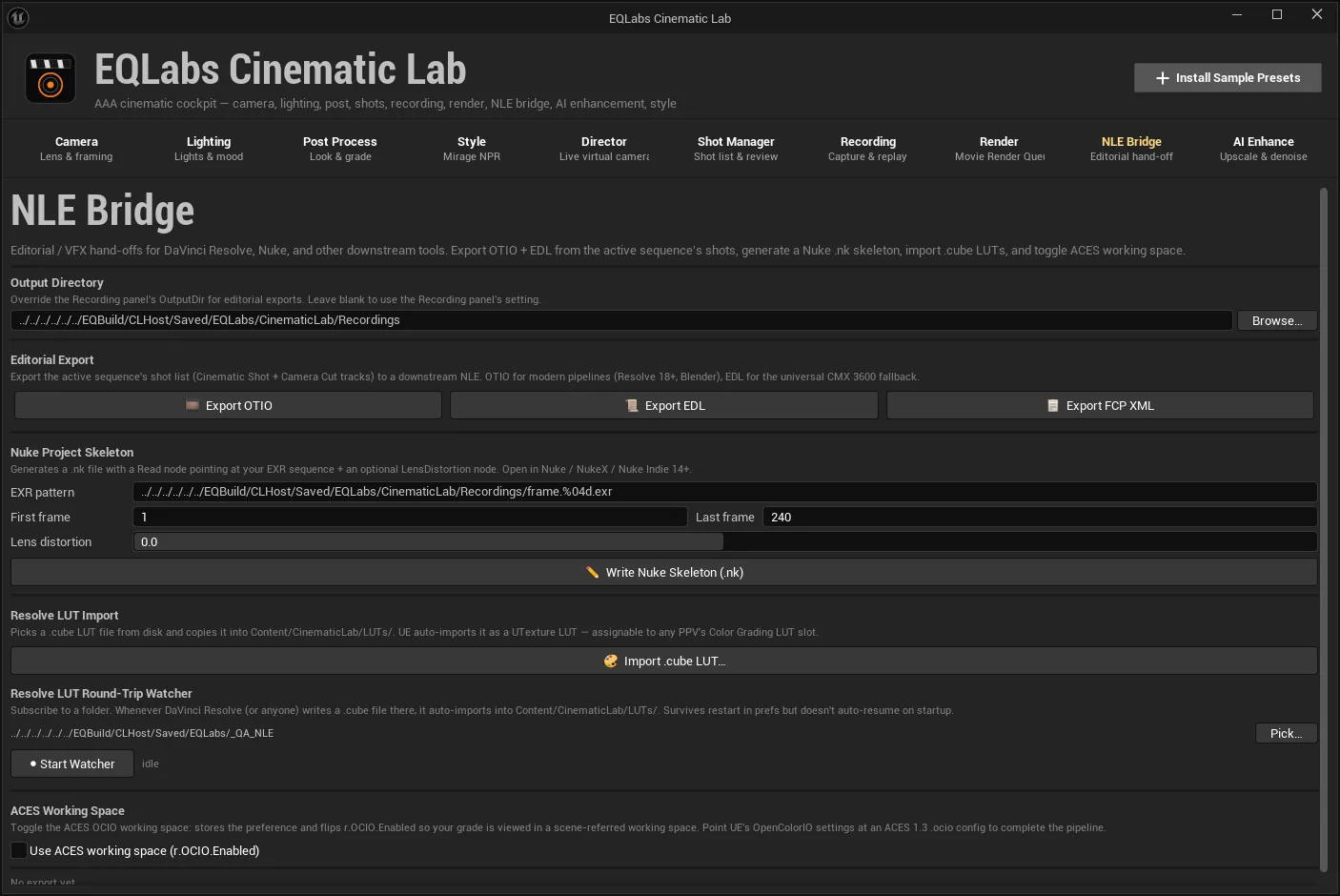
Output directory
Section titled “Output directory”Overrides the Recording tab’s output directory for editorial exports. Leave it blank to use the Recording panel’s setting — the field says so, so a blank box is a choice rather than an error.
Editorial export
Section titled “Editorial export”Three formats, written into the output directory and named after the sequence:
| Button | Writes | Who reads it |
|---|---|---|
| 🎞 Export OTIO | <seqname>.otio | Resolve 18+ and Blender import this directly |
| 📜 Export EDL | <seqname>.edl (CMX 3600) | Universal — Resolve, Premiere, Avid, FCP |
| 📋 Export FCP XML | <seqname>.xml (FCP7 xmeml) | More expressive than EDL. Resolve, Premiere, FCP and Blender all import it |
The status line reads Last export: <path>, or “No export yet.”
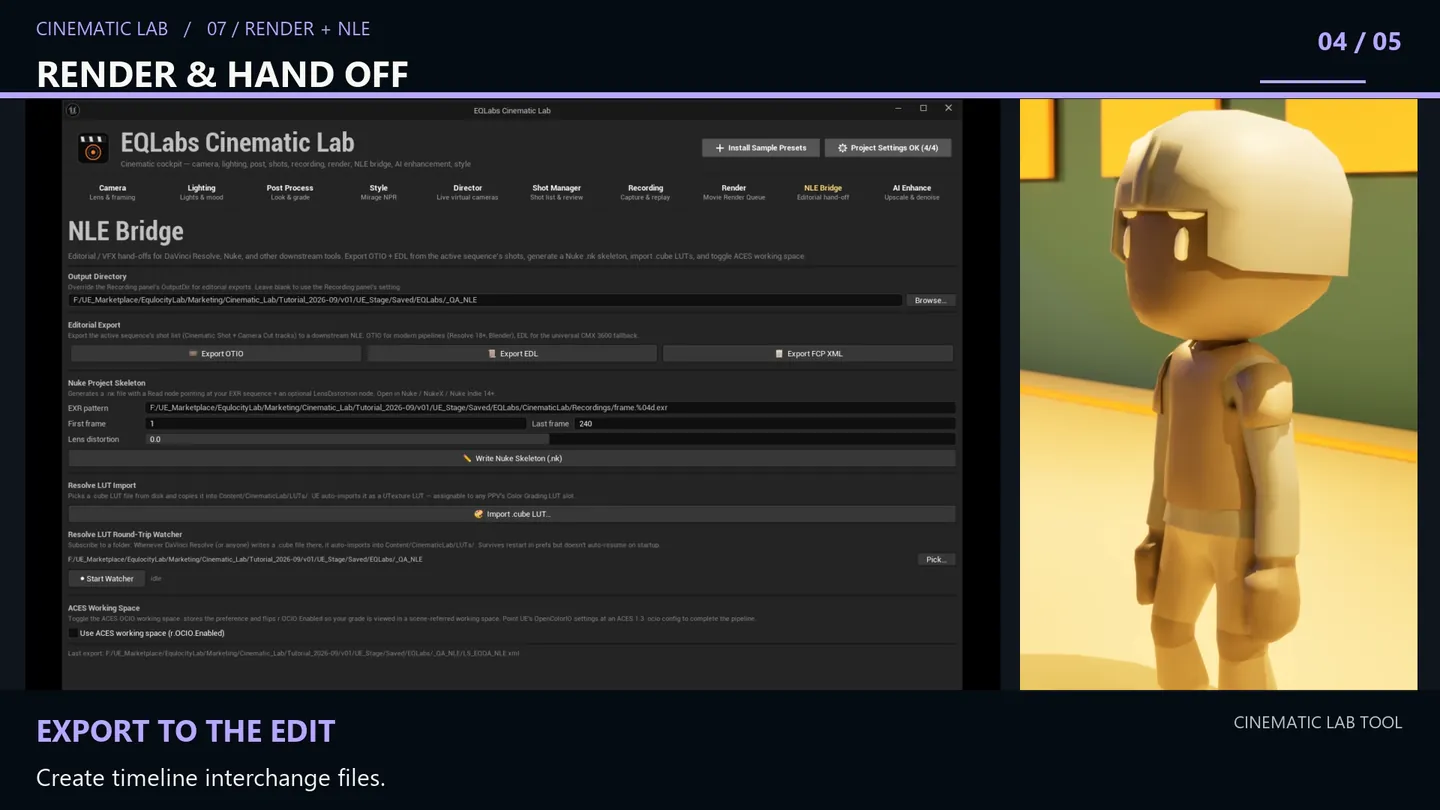
Two things the exporter gets right
Section titled “Two things the exporter gets right”It reads both track types. Shots are walked through the same dual-track scanner the Shot Manager uses — the Cinematic Shot track and the Camera Cut track — so sequences authored either way export identically. Exporters that only read one are the usual reason a cut arrives half-empty.
Circled takes become native markers. Every take you circled in the Shot Manager is written into
the OTIO timeline as an OTIO Marker.2 on the clip’s marked range, named "<take> (<rating>/5)" and
coloured green. The director’s on-set judgement arrives in the NLE as markers an editor can see
and jump between, instead of as a separate document nobody opens.
Time survives the trip. Times are converted from the movie scene’s tick resolution to
RationalTime at the sequence’s own display rate, so frame boundaries hold rather than being
re-derived from seconds.
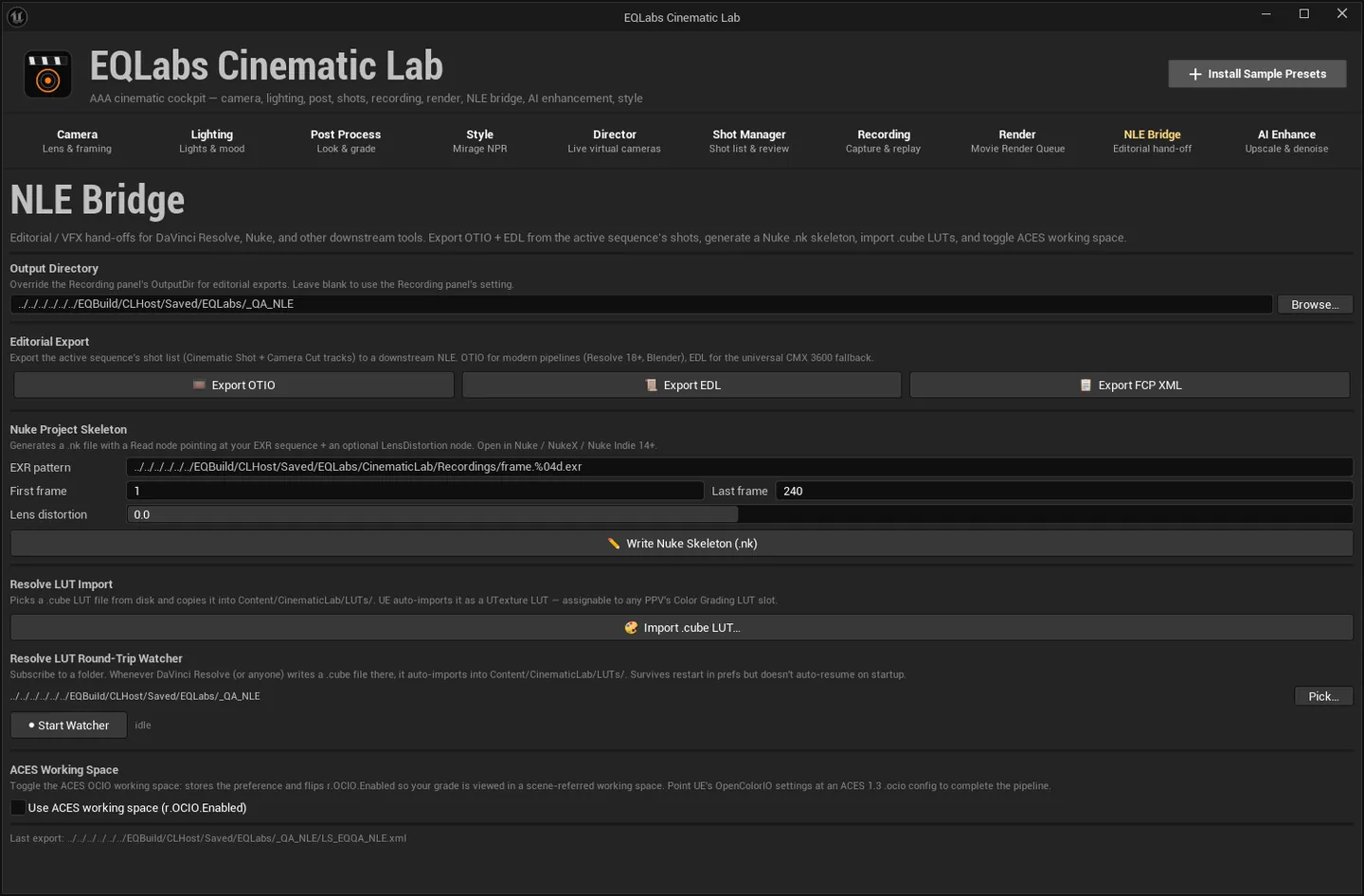
Nuke project skeleton
Section titled “Nuke project skeleton”✏️ Write Nuke Skeleton (.nk) generates a Nuke script wired to your rendered EXR sequence.
| Field | Notes |
|---|---|
| EXR pattern | e.g. C:/Out/frame.%04d.exr |
| First frame / Last frame | Frame range |
| Lens distortion | If non-zero, the skeleton adds a LensDistortion node with this k1 coefficient |
The generator consumes the same PredictLayerNames() source of truth the
Render tab’s manifest uses, so the Read node’s layer names match
what the engine actually wrote — including the 5.4-versus-5.5+ naming difference you would otherwise
have to know about.
Resolve LUT round-trip
Section titled “Resolve LUT round-trip”🎨 Import .cube LUT… imports a single LUT.
The watcher is the useful part: subscribe to a folder, and whenever DaVinci Resolve — or anyone —
writes a .cube file there, it is auto-imported into Content/CinematicLab/LUTs/. So a grade
made in Resolve lands back in Unreal without a manual round trip.
- Pick… chooses the folder; the label reads “(no folder picked yet)” until you do.
- ● Start Watcher / ■ Stop Watcher control it.
- Status:
● Watching · <n> imports, oridle.
Honest limit, stated on the control: the subscription “survives restart in prefs but doesn’t auto-resume on startup.” The folder is remembered; the watching is not. Start it again when you come back.
ACES working space
Section titled “ACES working space”Use ACES working space (r.OCIO.Enabled) switches the project into an ACES working space. Pair
it with the Render tab’s OCIO settings and its Check OCIO
Parity measurement so the viewport and the render agree.
- OTIO carries the most. EDL is the safest interchange but the least expressive; FCP XML sits in between; OTIO is what carries the circled-take markers.
- The output directory is shared with Recording unless you override it here.
- The watcher does not auto-resume. That is a stated design limit, not a bug — restart it when you reopen the project.
Opens our feedback form in a new tab with the tool name pre-filled.