
AI Enhance
Tab: AI Enhance — Upscale & denoise · Plugin: Cinematic Lab
Three separate things, in increasing distance from Unreal: viewport upscaling, offline path-tracer denoising, and a hand-off to third-party binaries you install yourself.
Cinematic Lab ships none of these tools. This tab configures Unreal’s own upscalers and writes a recipe plus launcher for external ones you provide.
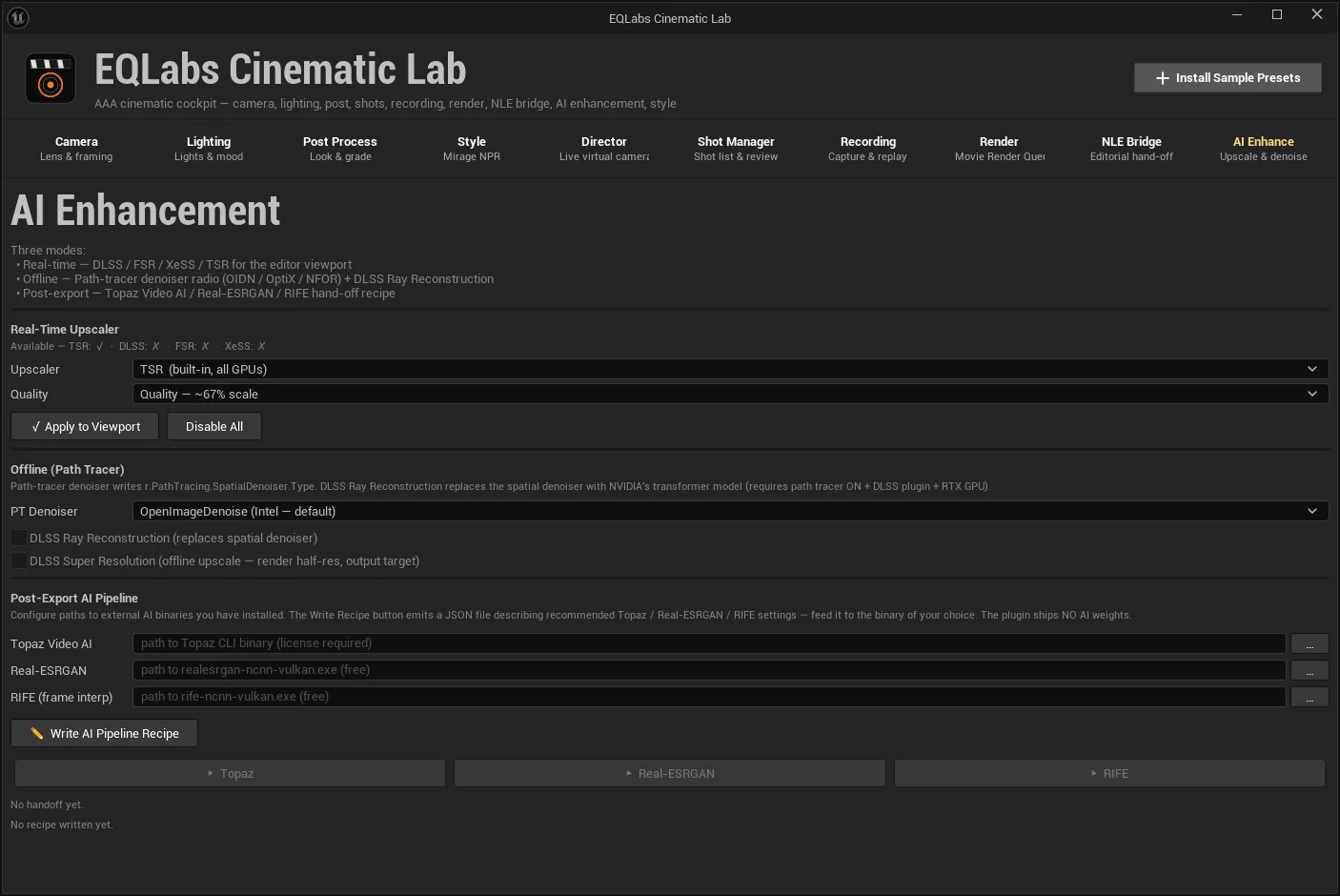
Real-time upscaler
Section titled “Real-time upscaler”Pick an Upscaler and a Quality level, then:
- ✓ Apply to Viewport. Sets
ScreenPercentageplus the chosen vendor’s console variables. - Disable All. Resets
ScreenPercentageto 100 and disables DLSS, FSR and XeSS.
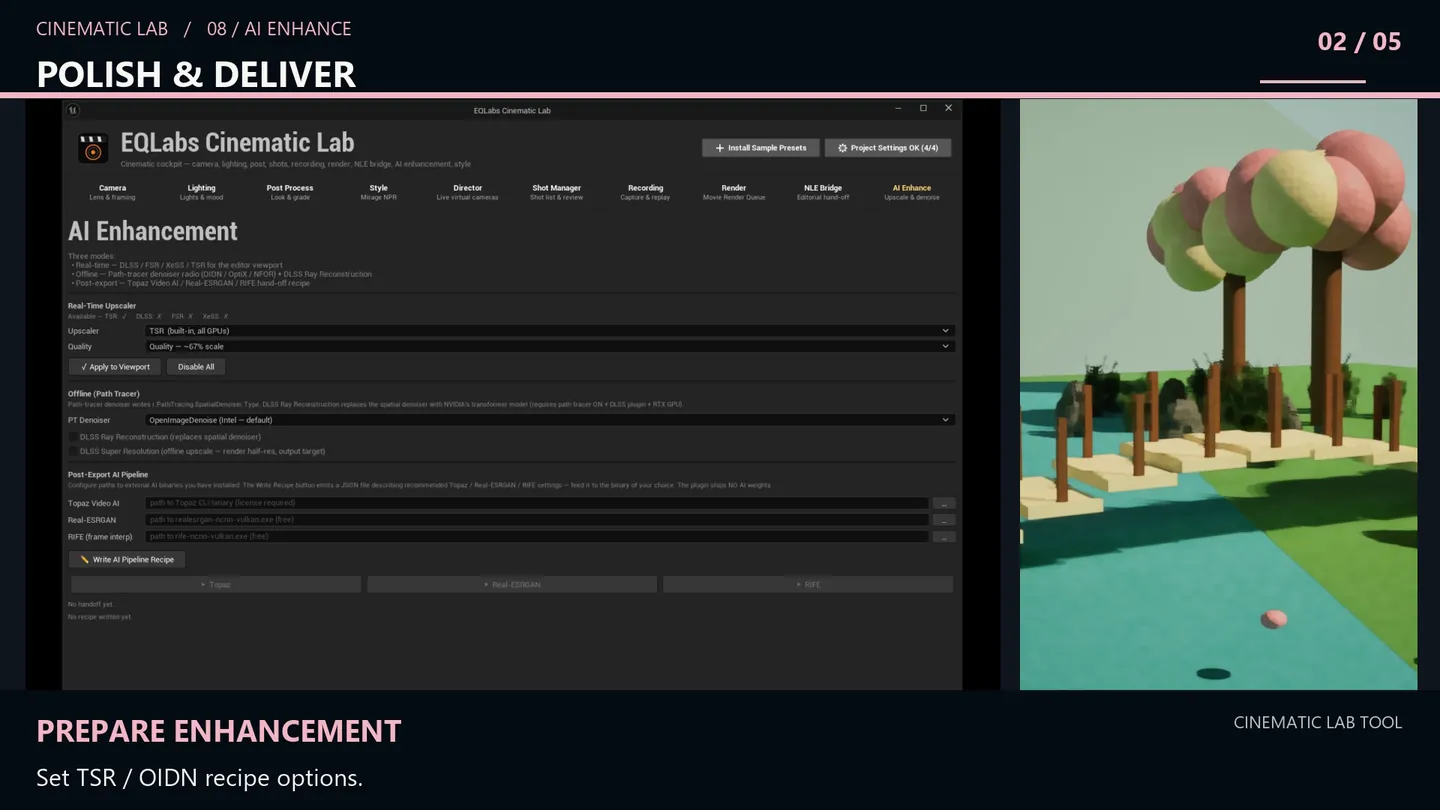
Availability is detected, not assumed
Section titled “Availability is detected, not assumed”The panel reports what your machine and project can actually do:
Available — TSR: ✓ · DLSS: <state> · FSR: <state> · XeSS: <state>TSR is Unreal’s own temporal super resolution and is always available. DLSS, FSR and XeSS depend on vendor plugins being installed and on hardware support, so their state is probed rather than promised.
Offline (Path Tracer)
Section titled “Offline (Path Tracer)”For path-traced renders, a PT Denoiser choice:
| Option | What it is |
|---|---|
| DLSS Ray Reconstruction | Replaces the spatial denoiser |
| DLSS Super Resolution | Offline upscale — render half-resolution, output at target |
These affect the path-traced render path, not the raster viewport.
Post-export AI pipeline
Section titled “Post-export AI pipeline”The part that leaves Unreal. Three external tools, each with a path field:
| Tool | Notes |
|---|---|
| Topaz Video AI | Path to the Topaz CLI binary — license required |
| Real-ESRGAN | Path to realesrgan-ncnn-vulkan.exe — free |
| RIFE (frame interp) | Path to rife-ncnn-vulkan.exe — free |
The panel labels the licensing plainly on each field. Real-ESRGAN is described as the “free fallback to Topaz” rather than pitched as equivalent.
Writing a recipe
Section titled “Writing a recipe”✏️ Write AI Pipeline Recipe writes <OutputDir>/eqlabs_ai_pipeline.json describing the Topaz,
ESRGAN and RIFE settings. Status: Last recipe: <path>, or “No recipe written yet.”
The recipe is a plain JSON file. It documents the intended pipeline whether or not you ever run it from here — useful when the actual processing happens on a different machine or a farm.
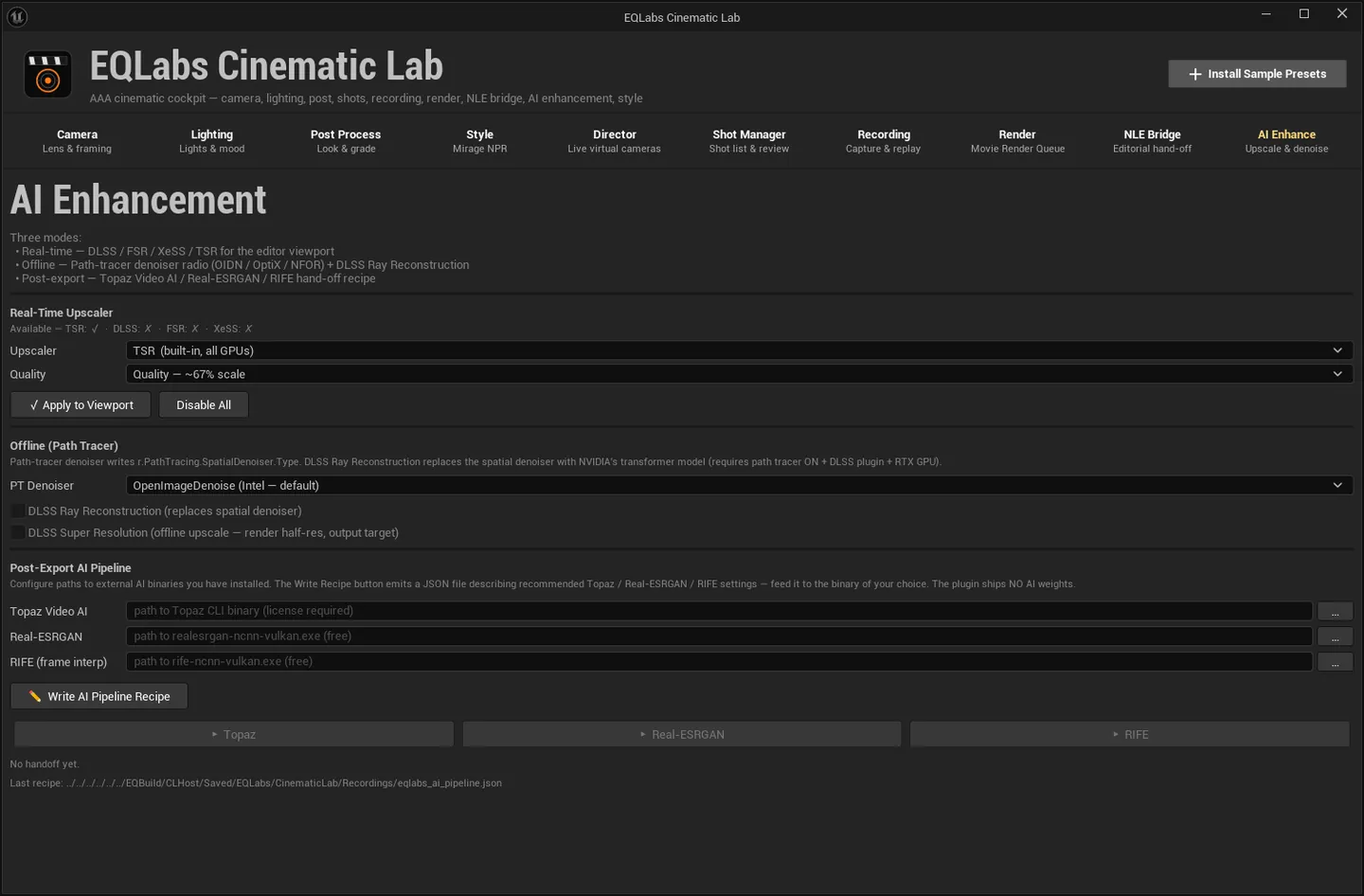
Running a step
Section titled “Running a step”| Button | What it runs |
|---|---|
| ▶ Topaz | Topaz CLI on the configured frame pattern |
| ▶ Real-ESRGAN | Real-ESRGAN x4 on the configured frame pattern |
| ▶ RIFE | The RIFE frame interpolator on the configured frame pattern |
While a step runs the status reads ● <tool> running…; when it finishes,
<tool> <result> · exit <code> · <seconds> s. The exit code is reported rather than a green tick
— if the external tool failed, you see its actual exit code.
With nothing run yet: “No handoff yet.”
- Nothing here is bundled. Topaz needs a license you buy; Real-ESRGAN and RIFE are free downloads. Cinematic Lab stores paths, writes a recipe, and shells out.
- The upscaler section touches project state. Apply to Viewport sets
ScreenPercentageand vendor CVars; Disable All puts them back. If the viewport looks soft after experimenting, that is the button. - Availability is probed per machine. A
✗next to DLSS means this machine or project cannot use it — installing the vendor plugin is the fix, and the tool does not pretend otherwise. - Exit codes are surfaced. A failed external run reports its code instead of being swallowed.
Opens our feedback form in a new tab with the tool name pre-filled.