
Post Process
Tab: Post Process — Look & grade · Plugin: Cinematic Lab
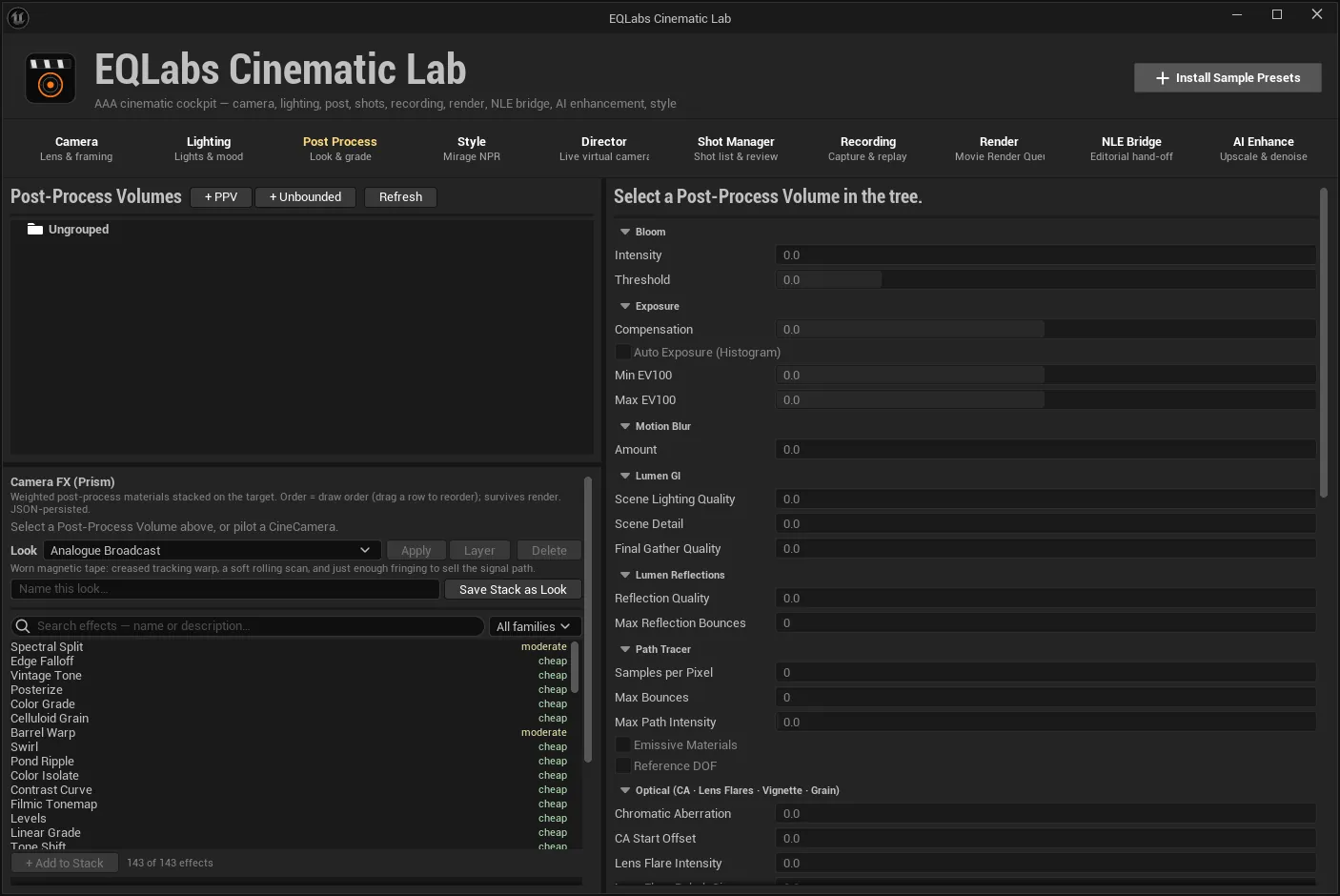
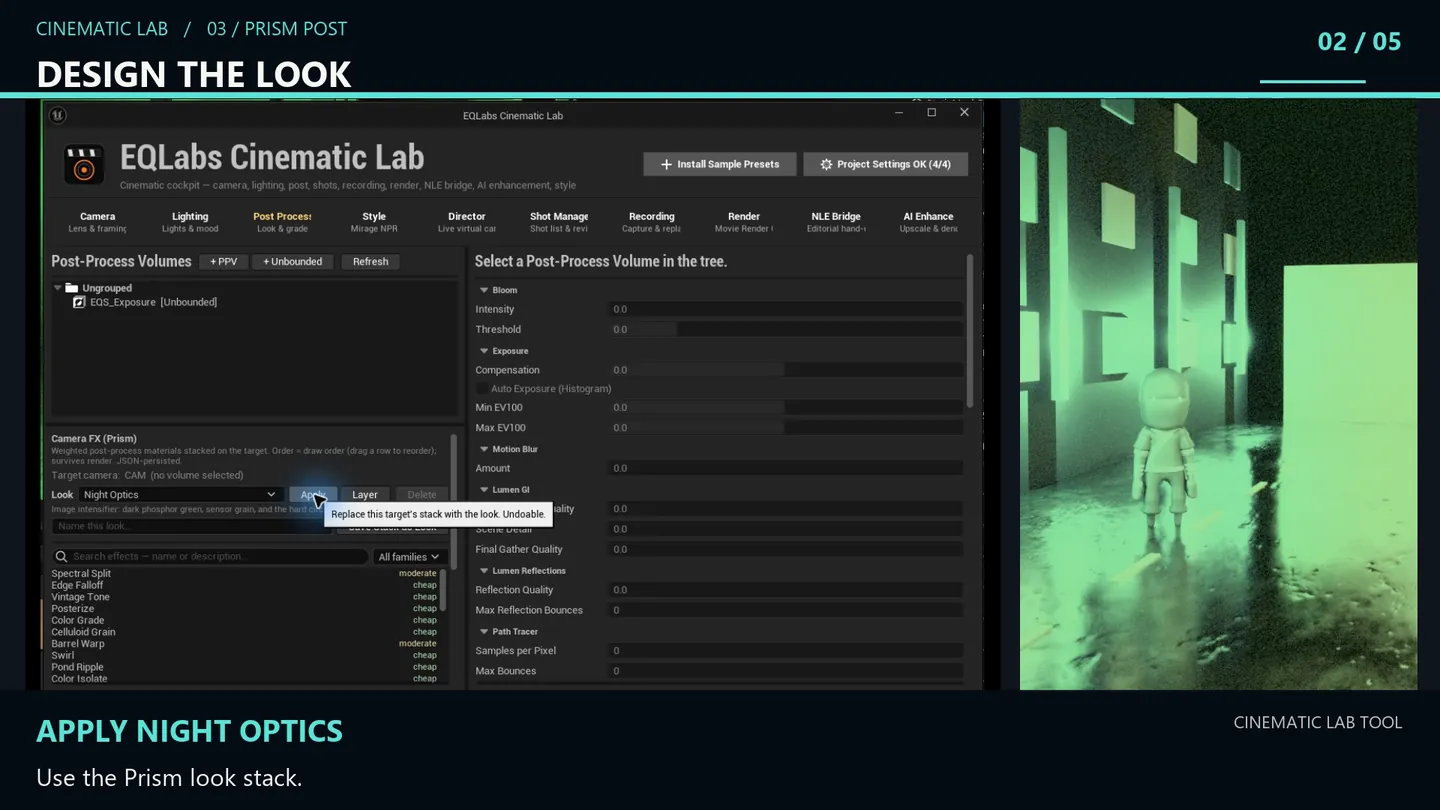
Two halves. The top is a post-process volume editor with every section a cinematic pass needs. The bottom is Prism — 143 screen effects you stack, weight and order on a volume or a piloted camera.
Post-process volumes
Section titled “Post-process volumes”+ PPV spawns a bounded volume, + Unbounded an unbounded one, Refresh re-scans. Volumes organise into folders like the camera and light trees.
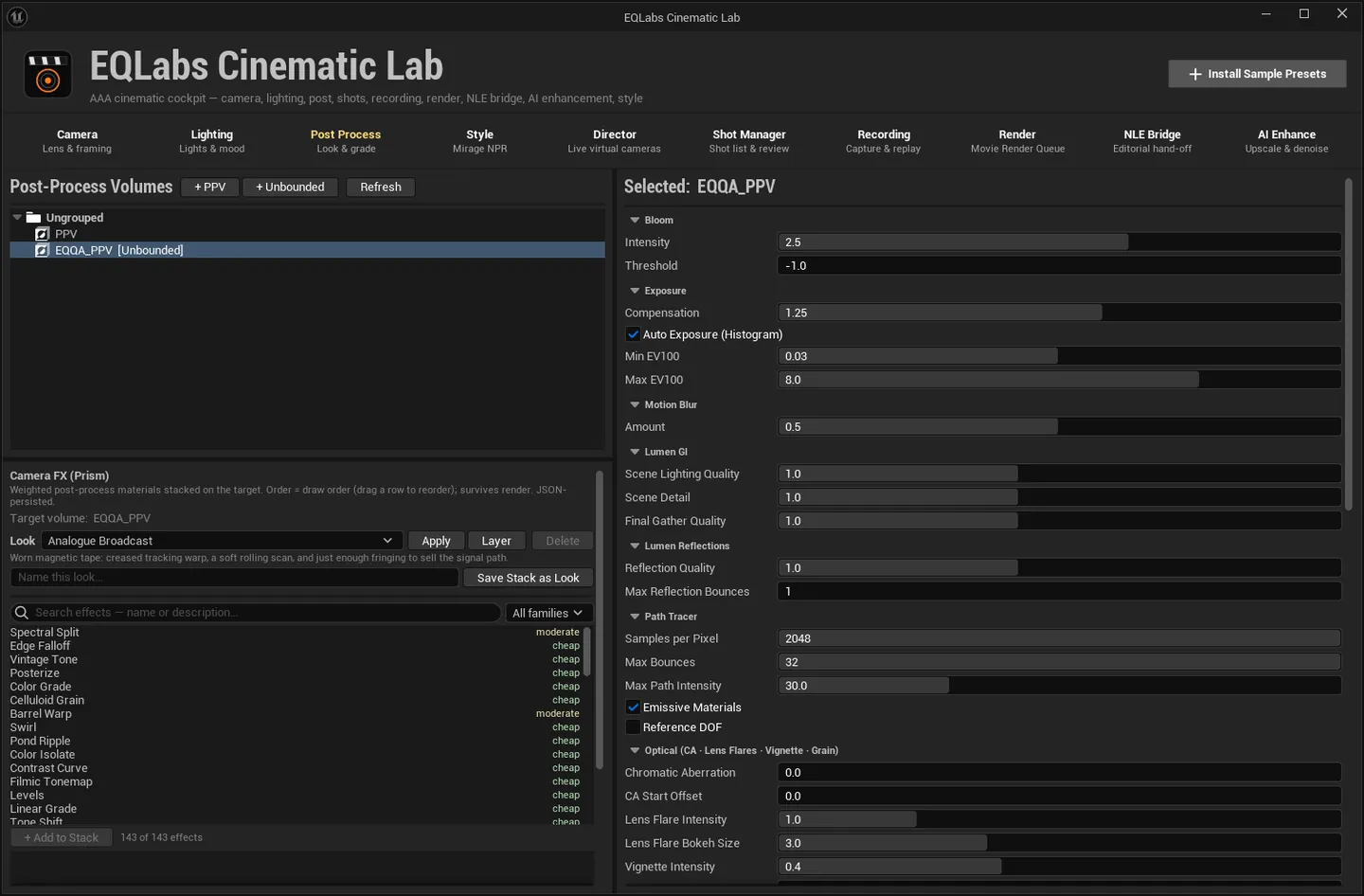
Select a volume and ten sections become editable:
| Section | What it exposes |
|---|---|
| Bloom | Intensity, Threshold |
| Exposure | Compensation, Auto Exposure (Histogram) with Min / Max EV100 |
| Motion Blur | Amount |
| Lumen GI | Scene Lighting Quality, Scene Detail, Final Gather Quality |
| Lumen Reflections | Reflection Quality, Max Reflection Bounces |
| Path Tracer | Samples per Pixel, Max Bounces, Max Path Intensity, Emissive Materials, Reference DOF |
| Optical | Chromatic Aberration + CA Start Offset, Lens Flare Intensity + Bokeh Size, Vignette Intensity, Film Grain Intensity |
| Depth of Field | f-stop, Sensor Width (mm), Focal Distance (cm) |
| White Balance | Temp K, Tint |
| Color Grading | The four-axis grade below |
The colour grade
Section titled “The colour grade”Saturation, Contrast, Gamma and Gain, each on four axes — R / G / B / Master.
Every axis defaults to 1.0 and ranges 0–2. That is sixteen controls, laid out as the panel says:
“Each property has 4 axes — R / G / B / Master.”
PPV preset library
Section titled “PPV preset library”Save Selected stores a complete look — all sections, not just the grade — under a name; Apply puts it on any volume; Delete removes it. JSON-persisted across sessions.
Prism: Camera FX
Section titled “Prism: Camera FX”Weighted post-process materials stacked on a target. Order is draw order, and the stack survives render — it is not a viewport-only preview.
First run
Section titled “First run”Prism’s effects are built on demand. Once per project, in the editor console:
EQLabs.Prism.GenerateLibraryIt creates 143 Material Functions, 143 post-process masters and 143 Material Instances under
/CinematicLab/Prism/. It is idempotent and will not clobber tweaks you have made to an instance.
If the effect browser looks empty, or a Look reports it could only be partly applied, this is the
fix — and the panel says so in the message itself.
Picking a target
Section titled “Picking a target”Stacks are per target:
- Post-process volume (primary). Select one in the tree above; the header reads
Target volume: <name>. Every volume keeps its own stack. - Piloted CineCamera (fallback). With no volume selected, Prism targets the camera you are
piloting:
Target camera: <name> (no volume selected). All cameras share one bucket, because “the piloted camera” is a role rather than a specific object.
Switching targets does not strip the previous one — each stays dressed.
Where stacks live, and the honest limit. Stacks are keyed by volume path in
Saved/EQLabs/CinematicLab/CameraFXStack.json, so they outlive an unloaded region. Restoring them when the tool opens can only reach volumes loaded at that moment; the rest are dressed as they stream in. The panel states this rather than leaving you to discover it.
Building a stack
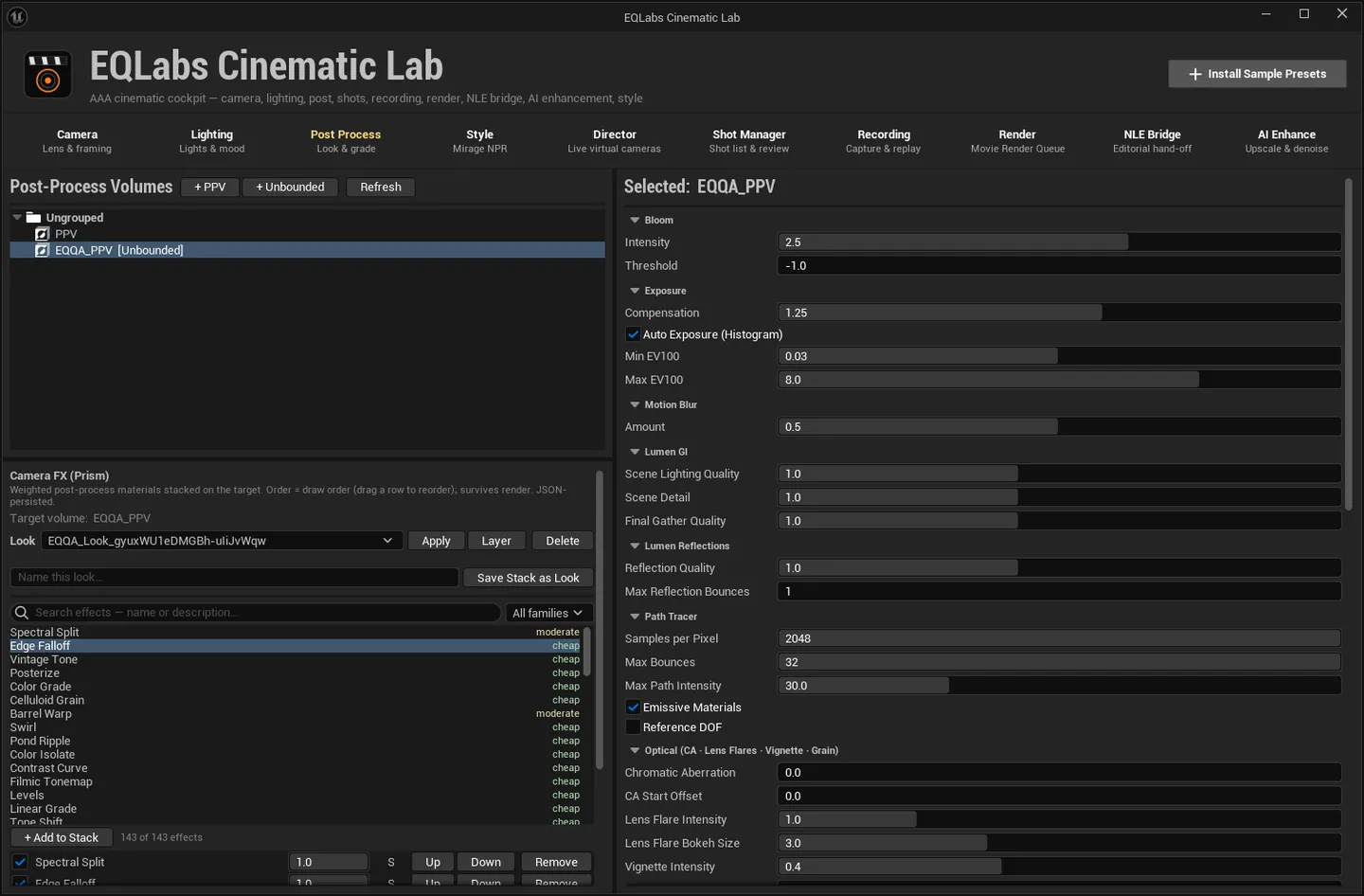
Section titled “Building a stack”The effect browser searches all 143 by name or description and filters by family. + Add to
Stack adds the selected effect’s Material Instance; double-clicking a row does the same. The
counter reads <n> of <total> effects.
Each stacked row has:
| Control | What it does |
|---|---|
| S (Solo) | Mute everything else without changing their enabled state. Click again to restore. |
| Up / Down | Move earlier (drawn first) or later (drawn last). Rows also drag to reorder. |
| Remove | Drop this effect |
| Weight | Per-effect blend |
Parameters — <effect> exposes that material’s editable parameters, with Reset All
Parameters to return the effect to its authored defaults. A material that exposes none says
“This material exposes no editable parameters” rather than showing an empty box.
Master intensity, and the keyable one
Section titled “Master intensity, and the keyable one”Master scales every effect’s weight at once — dial the whole look in or out without touching individual rows.
+ Keyable Master adds a Prism Camera FX Master component to the target actor. Its Master
Intensity is keyable, so a Level Sequence that possesses the actor can fade the whole stack over
a shot. It multiplies the Master slider, so adding it changes nothing until you key it — and the
readout Sequencer master × <value> shows its live contribution, where 1.00 means it is
contributing nothing.
The cost counter is honest about being an estimate
Section titled “The cost counter is honest about being an estimate”The pass counter reads <n> pass(es) with the note: “Active blendables. Each one is a full-screen
pass at output resolution, so a deep stack is real GPU time — the count turns red past six.”
Per-effect GPU cost is labelled cheap / moderate / expensive, and the tooltip says exactly what that is: “(estimate — derived from the effect’s topology, not measured)”. A Look that carries expensive effects warns “contains N expensive effect(s) (estimate — from topology, not measured)”.
Nothing here claims to be a measurement. The pass count is real — it is a count. The cost tier is not, and says so.
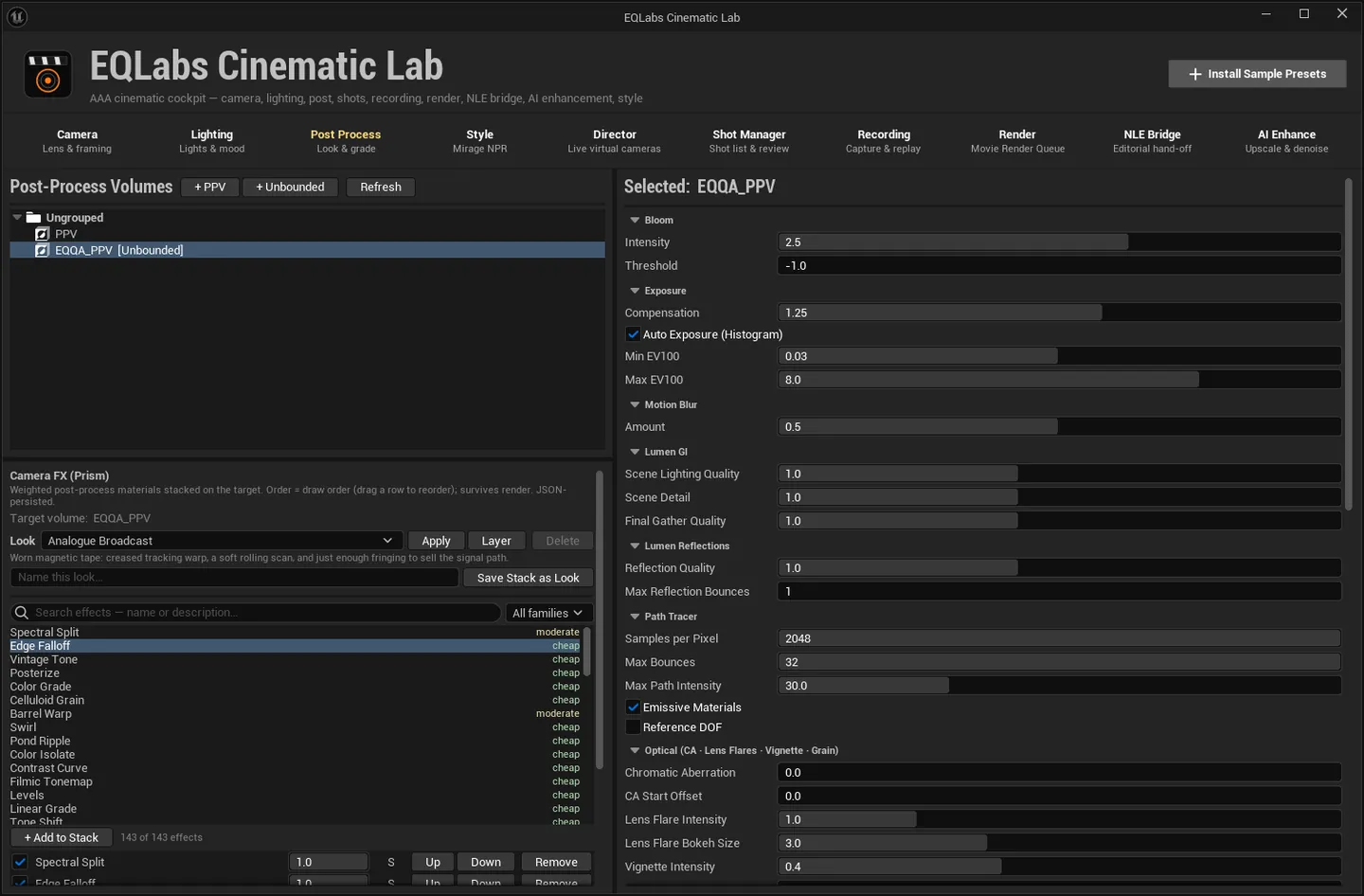
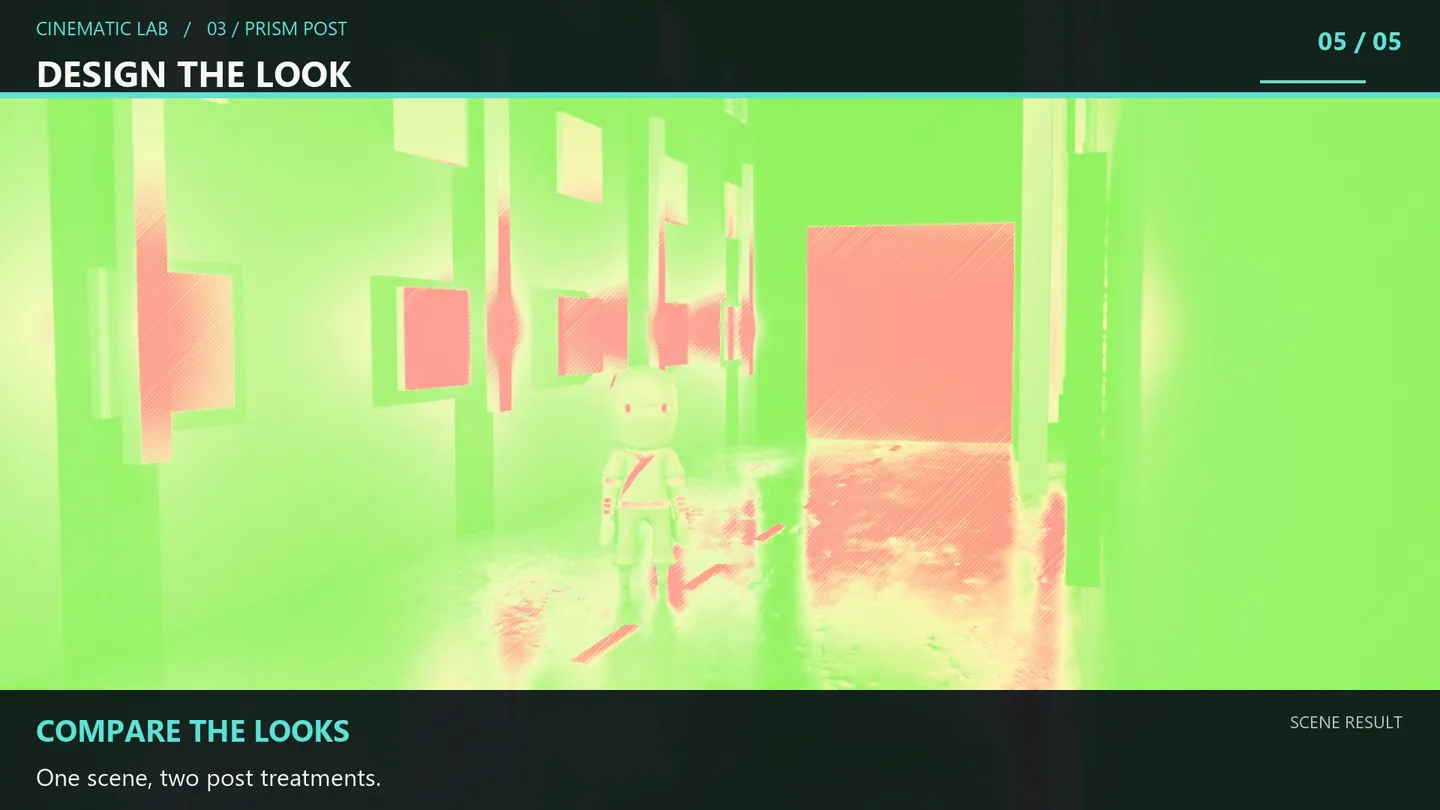
A Look is a whole stack saved as one thing: effects, order, enabled state, weights, parameter overrides, and the master.
| Action | Behaviour |
|---|---|
| Apply | Replace this target’s stack with the Look. Undoable. |
| Layer | Append the Look’s effects on top of what is already stacked, leaving the master intensity alone. Undoable. |
| Save Stack as Look | Save this target’s whole stack under a name |
| Delete | Remove a saved Look. Shipped Looks cannot be deleted — they are marked “shipped look (read-only)”. |
Clear All clears this target’s stack only; other volumes keep theirs.
- Order matters and is explicit. Draw order is the stack order; there is no hidden sort.
- Solo does not mutate. It mutes others without changing their enabled flags, so leaving solo on by accident costs you nothing permanent.
- A partial Look tells you what is missing.
'<look>': N of M effects applied. Missing: …plus the command to fix it — rather than applying quietly and looking wrong. - Full reference for the effect library ships with the plugin as
Docs/Prism_CameraFX_UserGuide.md.
Opens our feedback form in a new tab with the tool name pre-filled.