
No. 0031 TE TechEQLabs Pro
Blueprint Graph Exporter
Module: Tech · Category: QA · Tool ID:
BlueprintGraphExporter
Three-tab Blueprint graph exporter. Single Export exports one Blueprint to JSON or Markdown. Batch Export scans and exports all Blueprints in a folder. Graph Viewer inspects graph structure with color-coded node categories. Useful for documentation, code review, archival, and Git-friendly Blueprint diffs.
When to use it
Section titled “When to use it”- Generating Blueprint documentation for a wiki or design doc
- Code review of Blueprint changes (Git can’t diff
.uassetmeaningfully; Markdown export is human-readable) - Archival: preserving Blueprint logic outside UE
- Quick graph inspection without opening the BP editor
What it isn’t for
Section titled “What it isn’t for”- Don’t expect this to round-trip. Export-only; no import-from-JSON.
- Don’t expect graph rendering. Text/structural export only.
Opening the tool
Section titled “Opening the tool”- Open the EQLabs Hub and search for Blueprint Export (or browse to Tech → QA).
- Click the tool card.
- Use the tab bar: Single Export / Batch Export / Graph Viewer.
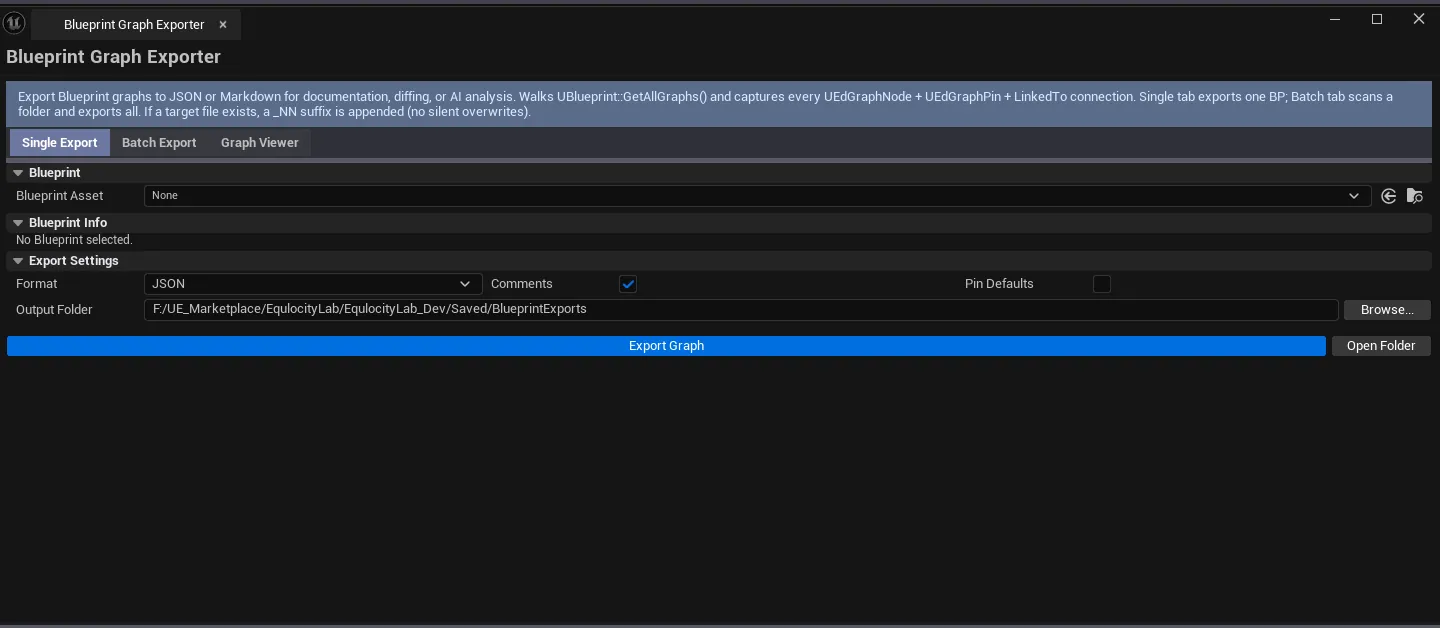
Tab 1: Single Export
Section titled “Tab 1: Single Export”| Field | What it does | Default |
|---|---|---|
| Blueprint picker | The BP to export | (empty) |
| Format combo | JSON / Markdown | JSON |
| Include Comments | Include comment nodes | true |
| Include Variable Values | Capture default values | false |
| Output Path | Save destination | (configurable) |
| Export Graph | Writes the file | |
| Open Output Folder | Opens the folder in file explorer |
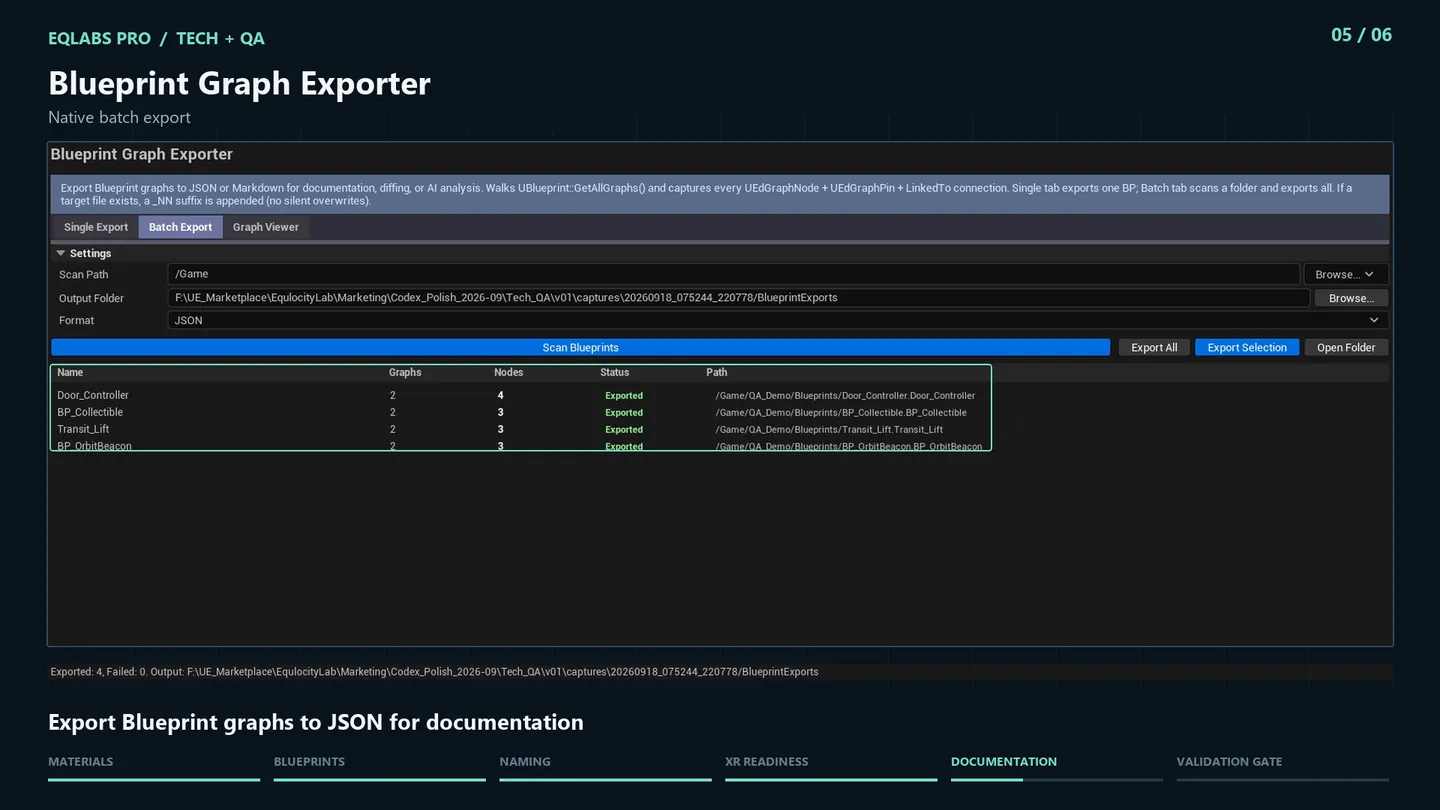
Tab 2: Batch Export
Section titled “Tab 2: Batch Export”| Field | What it does | Default |
|---|---|---|
| Batch Scan Path | Folder to scan | /Game |
| Format combo | JSON / Markdown | |
| Scan Blueprints | Walks the folder | |
| Export All | Exports every BP in the list | |
| Export Selection | Exports only checked rows | |
| Batch list | Per-BP row: name, graph count, node count, exported flag |
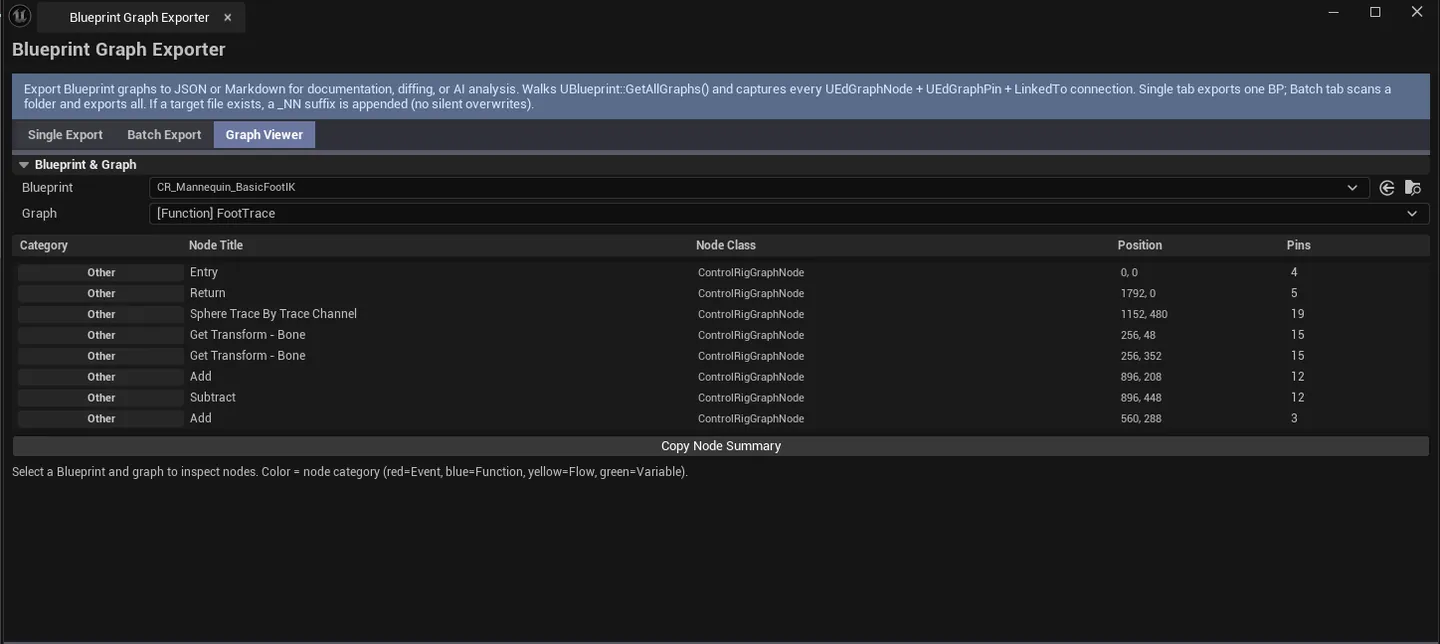
Tab 3: Graph Viewer
Section titled “Tab 3: Graph Viewer”| Field | What it does |
|---|---|
| Blueprint picker | The BP to inspect |
| Graph combo | Pick a graph within the BP |
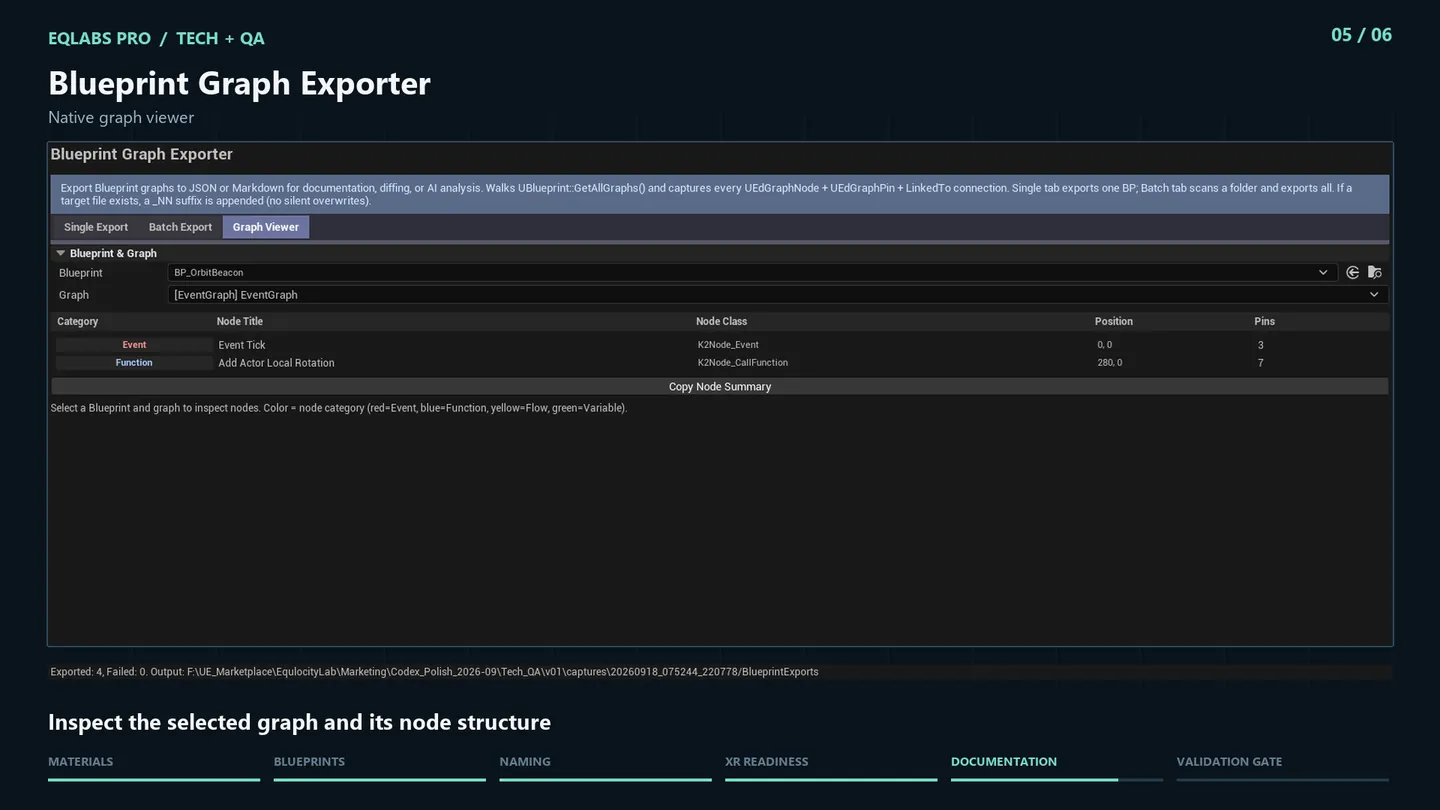
| Nodes list | Per-node: title, class, category (Event / Function / FlowControl / Variable), pin count |
| Copy Node Summary | Plain-text dump |
Color-coded node categories make graph structure easy to read at a glance.
Workflow
Section titled “Workflow”Document a single BP
Section titled “Document a single BP”- Switch to Single Export.
- Drop the BP, pick Markdown format.
- Set Output Path, click Export Graph.
- The Markdown file is human-readable for wikis / pull-request descriptions.
Batch document a folder
Section titled “Batch document a folder”- Switch to Batch Export.
- Set Scan Path, click Scan Blueprints.
- Click Export All for the whole folder, or select rows + Export Selection.
Quick inspection
Section titled “Quick inspection”- Switch to Graph Viewer.
- Drop a BP, pick a graph.
- Read node list with color-coded categories.
Settings reference
Section titled “Settings reference”Per-tab settings persist to [Project]/Saved/EQLabs/Settings/BlueprintGraphExporter.json.
Output
Section titled “Output”- JSON files. Structured representation of the graph.
- Markdown files. Human-readable summary.
- In-panel graph viewer. Read-only inspection.
- No BP edits. Export-only.
Tips and gotchas
Section titled “Tips and gotchas”- Markdown is best for code review. Human-readable, Git-friendly, can be embedded in PR descriptions.
- JSON is best for tooling. Feed into custom dashboards or analysis tools.
- Variable values capture is optional. If your BP has sensitive defaults, leave it off.
Related tools
Section titled “Related tools”- Blueprint Inspector — complexity / interface analysis
- Dependency Explorer — references to/from BPs
Report an issue with this tool
Opens our feedback form in a new tab with the tool name pre-filled.