
Recording
Tab: Recording — Capture & replay · Plugin: Cinematic Lab
Getting frames out of the editor and out of a running game — stills, a rolling replay buffer, and a recorder that ships in a packaged build.
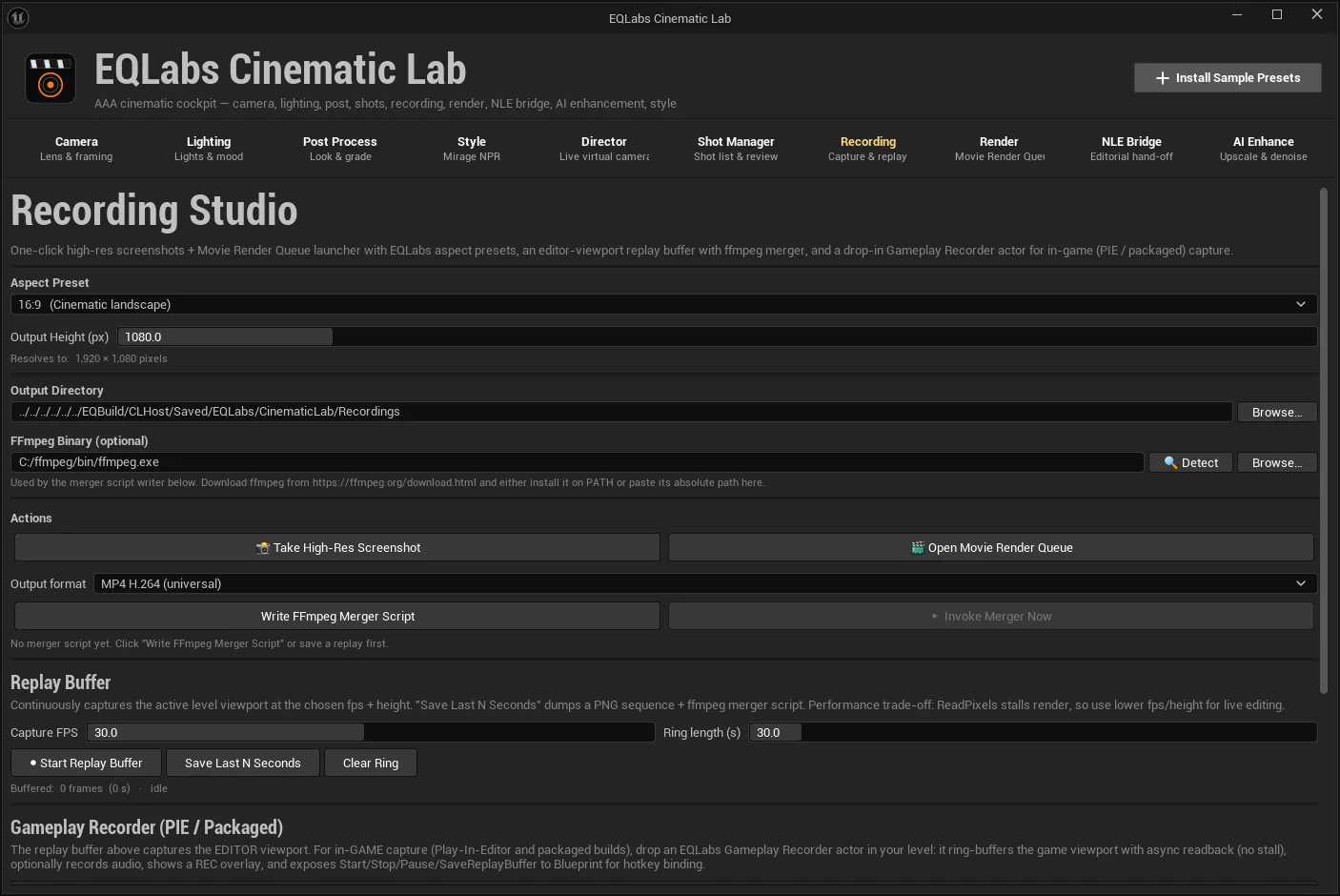
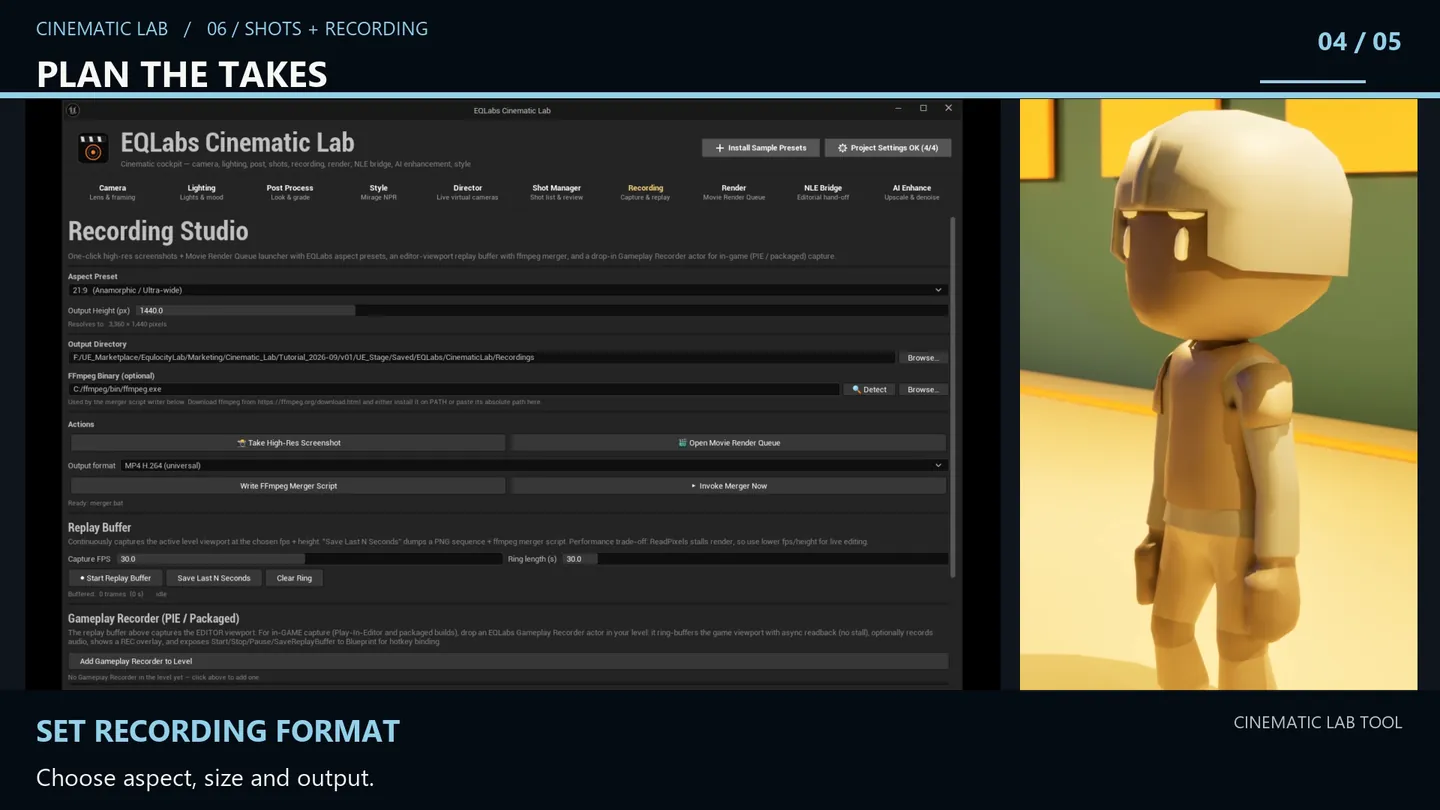
Output settings
Section titled “Output settings”| Setting | Notes |
|---|---|
| Aspect Preset | Target aspect ratio |
| Output Height (px) | Height; width follows from the aspect. The readout resolves it: <w> × <h> pixels |
| Output Directory | Where captures land; Browse… to pick |
| FFmpeg Binary | Optional — leave blank if ffmpeg.exe is on PATH |
🔍 Detect searches PATH plus the common Windows install locations — Program Files, Chocolatey
and Scoop — and auto-fills the path. Worth clicking before assuming ffmpeg is missing.
Actions
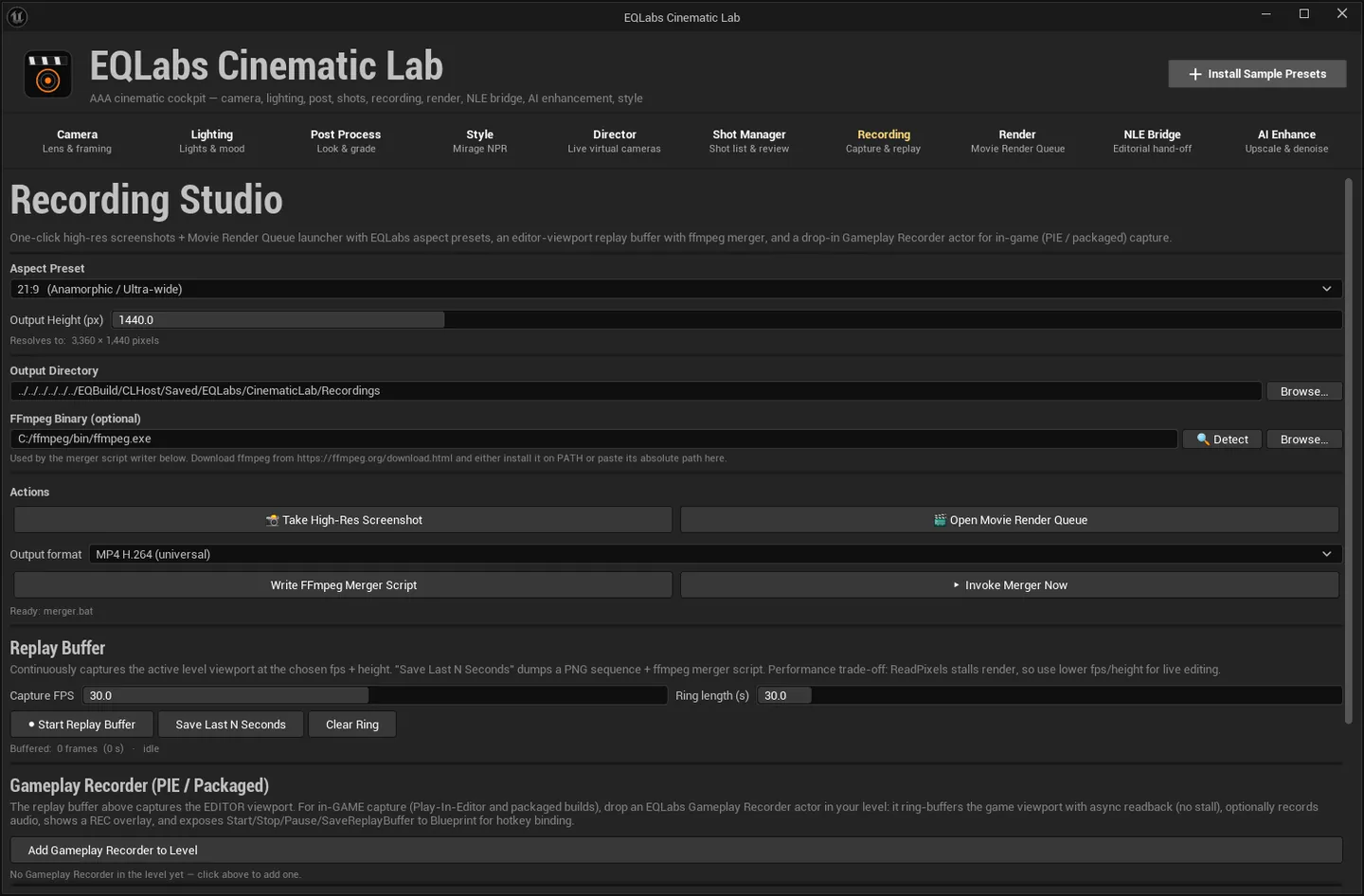
Section titled “Actions”- 📸 Take High-Res Screenshot. Schedules a
HighResShotat the chosen aspect and height. Output goes to<Project>/Saved/Screenshots/. - 🎬 Open Movie Render Queue. Opens the MRQ tab to queue a Sequencer render. For the full render. workflow see Render.
FFmpeg merger scripts
Section titled “FFmpeg merger scripts”Write FFmpeg Merger Script writes <OutputDir>/merger.bat for the chosen output format.
▶ Invoke Merger Now runs the most recently written merger.bat in the background and reports
status, exit code and elapsed time below.
The .bat is a plain file you can edit — the panel says so: “Edit the .bat if you want different
ffmpeg flags.” Nothing is hidden behind the button.
Replay buffer
Section titled “Replay buffer”A rolling ring of frames, so you can keep the last N seconds after something interesting happens.
| Control | Notes |
|---|---|
| Capture FPS | Frames per second into the ring |
| Ring length (s) | How much history to keep |
| Start / Stop Replay Buffer | Hotkey F10 |
| Save Last N Seconds | Dump the buffered frames as a PNG sequence plus an ffmpeg merger.bat — hotkey F11 |
| Clear Ring | Drop the buffer |
While running, the status reads Buffered: <n> frames (<s> s) with a RECORDING indicator; idle
when stopped.
Gameplay Recorder (PIE and packaged)
Section titled “Gameplay Recorder (PIE and packaged)”Add Gameplay Recorder to Level spawns — or selects the existing — EQLabs Gameplay Recorder actor in the current level.
This is the runtime path: it works in PIE and in a packaged build. Bind its StartCapture and
SaveReplayBuffer to input keys in Blueprint to drive it from the game.
Once present, the panel reports the actual configuration rather than a generic confirmation:
Recorder in level — <fps> fps × <s> s ring (~<n> MB est.), audio on/off.
The memory figure is labelled est. — it is derived from frame size, rate and ring length, not measured.
Performance overlay
Section titled “Performance overlay”Two toggles that drive Unreal’s own stat commands:
- stat unit. Frame time, draw calls, triangle count. Hotkey F12.
- stat unitGraph. A rolling FPS graph.
Default hotkeys
Section titled “Default hotkeys”| Key | Action |
|---|---|
| F10 | Start / stop the replay buffer |
| F11 | Save the last N seconds |
| F12 | Toggle stat unit |
- Two different recorders, for two different jobs. The replay buffer is an editor-side ring for grabbing what just happened; the Gameplay Recorder is a runtime actor you drive from gameplay code and that ships in a build.
- ffmpeg is yours. Cinematic Lab writes the merger script and can run it, but does not bundle ffmpeg. 🔍 Detect finds an existing install; otherwise point the field at your own binary.
- The output directory is shared. The NLE Bridge tab can override it for editorial exports, and falls back to this tab’s setting when its own field is blank.
Opens our feedback form in a new tab with the tool name pre-filled.